
Bildkomprimierung
Komprimieren Sie ein Bild durch Anpassen der JPEG-Qualität vollständig in Ihrem Browser.
Bild-Tools Im Browser
Video · 0:23 · Bild-Tools
Photo for your post looks flat?
Fix it or give it a style without installing an editor.
Dieses Video ist auf Englisch verfügbar.
Photo for your post looks flat? Fix it or give it a style without installing an editor. Filters right in your browser Pick your photo Add some brightness Boost the contrast Bring back the colour Then add a sepia preset Your slider tweaks stay Compare before and after Warm, vivid and punchy Download the result Image Filters Free · No sign-up · Runs in your browser
Komprimieren Sie ein Bild durch Anpassen der JPEG-Qualität vollständig in Ihrem Browser.
Bild-Tools Im Browser
Konvertieren Sie Bilder im Browser zwischen JPEG, PNG und WebP.
Bild-Tools Im Browser

Skalieren, drehen und spiegeln Sie Bilder lokal in Ihrem Browser.
Bild-Tools Im Browser
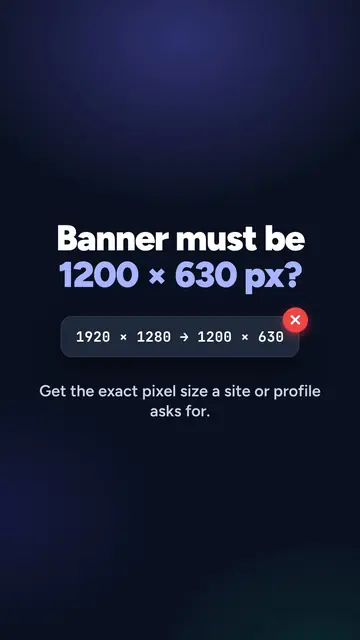
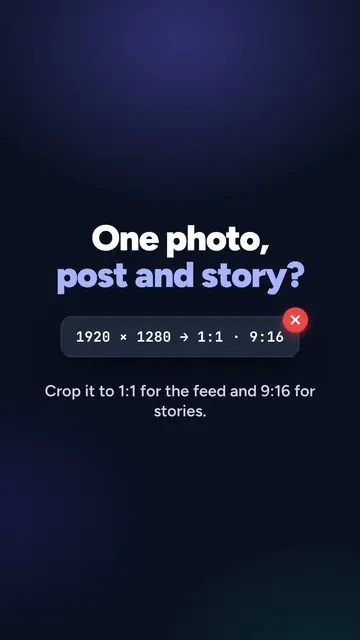
Schneiden Sie ein Bild interaktiv mit visueller Vorschau vollständig in Ihrem Browser zu.
Bild-Tools Im Browser
Ihre Privatsphäre ist uns wichtig
Wir möchten optionale Analyse-Cookies verwenden, um die Nutzung der Website zu verstehen und sie zu verbessern. Es wird nichts geladen, bis Sie sich entscheiden, und Sie können Ihre Entscheidung jederzeit ändern. Datenschutzerklärung