
Compresor de imágenes
Comprime una imagen ajustando la calidad JPEG, íntegramente en tu navegador.
Herramientas de imagen En tu navegador
Vídeo · 0:23 · Herramientas de imagen
Photo for your post looks flat?
Fix it or give it a style without installing an editor.
Este vídeo está disponible en inglés.
Photo for your post looks flat? Fix it or give it a style without installing an editor. Filters right in your browser Pick your photo Add some brightness Boost the contrast Bring back the colour Then add a sepia preset Your slider tweaks stay Compare before and after Warm, vivid and punchy Download the result Image Filters Free · No sign-up · Runs in your browser
Comprime una imagen ajustando la calidad JPEG, íntegramente en tu navegador.
Herramientas de imagen En tu navegador
Convierte imágenes entre los formatos JPEG, PNG y WebP en tu navegador.
Herramientas de imagen En tu navegador

Cambia el tamaño, gira y voltea imágenes localmente en tu navegador.
Herramientas de imagen En tu navegador
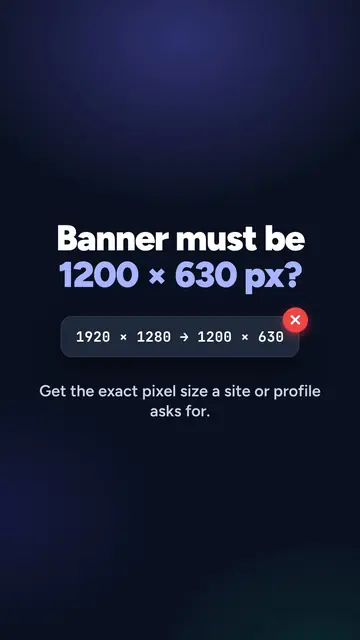
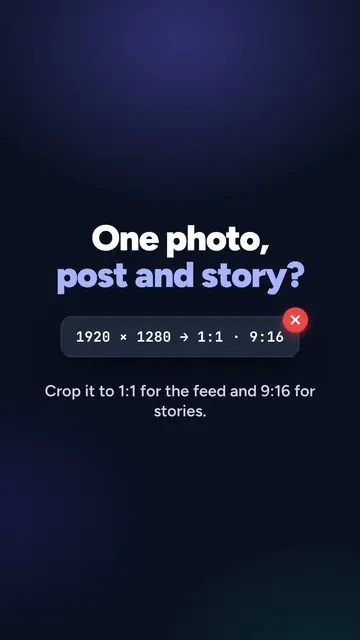
Recorta una imagen de forma interactiva con una vista previa visual, íntegramente en tu navegador.
Herramientas de imagen En tu navegador
Respetamos tu privacidad
Nos gustaría usar cookies analíticas opcionales para entender cómo se usa el sitio y mejorarlo. No se carga nada hasta que decidas, y puedes cambiar tu decisión en cualquier momento. Política de privacidad