
Compressor de imagens
Comprima uma imagem ajustando a qualidade JPEG, inteiramente no seu navegador.
Ferramentas de imagem No navegador
Vídeo · 0:23 · Ferramentas de imagem
Photo for your post looks flat?
Fix it or give it a style without installing an editor.
Este vídeo está disponível em inglês.
Photo for your post looks flat? Fix it or give it a style without installing an editor. Filters right in your browser Pick your photo Add some brightness Boost the contrast Bring back the colour Then add a sepia preset Your slider tweaks stay Compare before and after Warm, vivid and punchy Download the result Image Filters Free · No sign-up · Runs in your browser
Comprima uma imagem ajustando a qualidade JPEG, inteiramente no seu navegador.
Ferramentas de imagem No navegador
Converta imagens entre os formatos JPEG, PNG e WebP no seu navegador.
Ferramentas de imagem No navegador

Redimensione, gire e espelhe imagens localmente no seu navegador.
Ferramentas de imagem No navegador
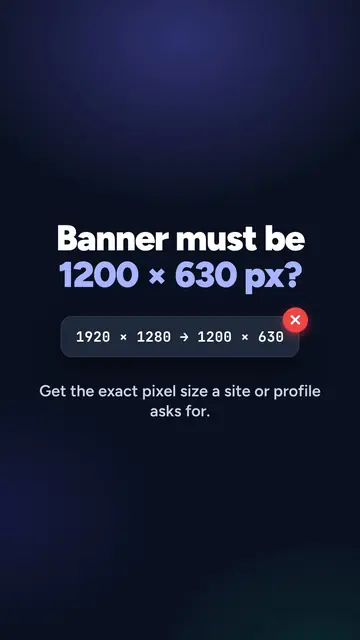
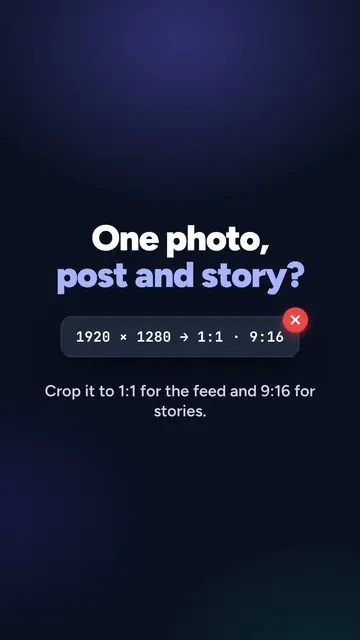
Recorte uma imagem interativamente com uma prévia visual, inteiramente no seu navegador.
Ferramentas de imagem No navegador
Respeitamos a sua privacidade
Gostaríamos de usar cookies de análise opcionais para entender como o site é usado e melhorá-lo. Nada é carregado até você decidir, e você pode mudar sua decisão a qualquer momento. Política de privacidade