
Mehrere Bilder skalieren
Skalieren Sie bis zu 20 Bilder gleichzeitig, behalten Sie das Seitenverhältnis bei, schneiden oder strecken Sie sie und wählen Sie das Ausgabeformat.
Bild-Tools Datei auf Server
Video · 0:26 · Bild-Tools
The form says max 200 kB?
Fit your photo under the limit without guessing the quality.
Dieses Video ist auf Englisch verfügbar.
Bildkomprimierung
Machen Sie dasselbe mit Ihrer eigenen Datei — kostenlos und ohne Konto.
Tool öffnenThe form says max 200 kB? Fit your photo under the limit without guessing the quality. Compress it right in your browser Pick your photo See the original size Switch to target size Enter the limit: 200 kB Real size after compression Zoom in to check the detail Slide to compare before and after Download the lighter file Image Compressor Free · No sign-up · Runs in your browser
Skalieren Sie bis zu 20 Bilder gleichzeitig, behalten Sie das Seitenverhältnis bei, schneiden oder strecken Sie sie und wählen Sie das Ausgabeformat.
Bild-Tools Datei auf Server
Konvertieren Sie Bilder im Browser zwischen JPEG, PNG und WebP.
Bild-Tools Im Browser

Skalieren, drehen und spiegeln Sie Bilder lokal in Ihrem Browser.
Bild-Tools Im Browser
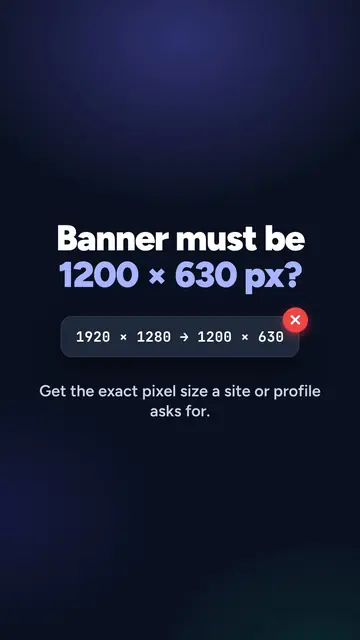
Schneiden Sie ein Bild interaktiv mit visueller Vorschau vollständig in Ihrem Browser zu.
Bild-Tools Im Browser
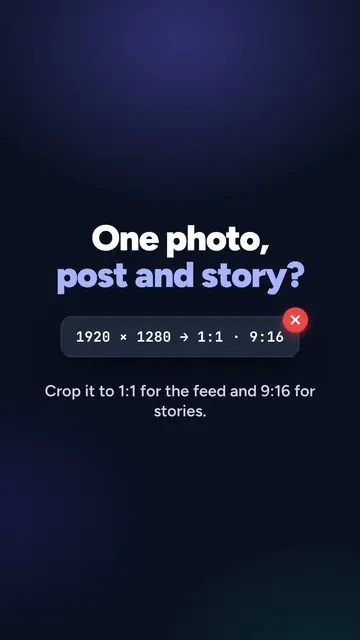
Ihre Privatsphäre ist uns wichtig
Wir möchten optionale Analyse-Cookies verwenden, um die Nutzung der Website zu verstehen und sie zu verbessern. Es wird nichts geladen, bis Sie sich entscheiden, und Sie können Ihre Entscheidung jederzeit ändern. Datenschutzerklärung