

Bildkomprimierung
Komprimieren Sie ein Bild durch Anpassen der JPEG-Qualität vollständig in Ihrem Browser.
Bild-Tools Im Browser
Video · 0:24 · Bild-Tools
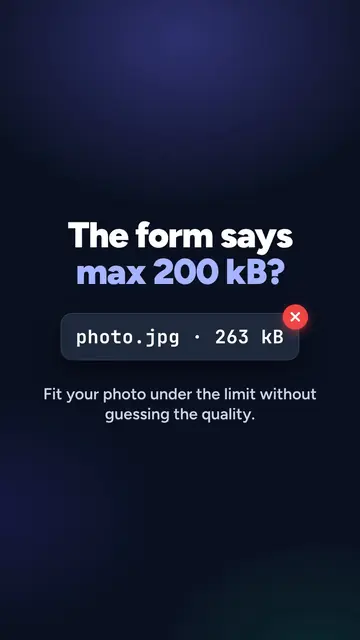
Dozens of photos too big to send?
Shrink a whole batch at once for your shop or an email.
Dieses Video ist auf Englisch verfügbar.
Mehrere Bilder skalieren
Machen Sie dasselbe mit Ihrer eigenen Datei — kostenlos und ohne Konto.
Tool öffnenDozens of photos too big to send? Shrink a whole batch at once for your shop or an email. Resize many images at once Drop in several photos Your queue, with thumbnails Set the width to 800 px Save them as WebP Resize the whole batch Processed on the server See the space you saved Download them all as one ZIP Batch image resizer Free · No sign-up · Files deleted after 60 min
Komprimieren Sie ein Bild durch Anpassen der JPEG-Qualität vollständig in Ihrem Browser.
Bild-Tools Im Browser
Skalieren, drehen und spiegeln Sie Bilder lokal in Ihrem Browser.
Bild-Tools Im Browser
Erzeugen Sie aus einem Quellbild App-Symbole in mehreren Größen für Android, iOS und das Web.
Bild-Tools Im Browser
Erstellen Sie ZIP-Archive aus mehreren Dateien oder extrahieren Sie eines sicher mit Schutz vor Pfadtraversierung und ZIP-Bomben.
Dokumentkonverter Datei auf Server

Ihre Privatsphäre ist uns wichtig
Wir möchten optionale Analyse-Cookies verwenden, um die Nutzung der Website zu verstehen und sie zu verbessern. Es wird nichts geladen, bis Sie sich entscheiden, und Sie können Ihre Entscheidung jederzeit ändern. Datenschutzerklärung