

Image Compressor
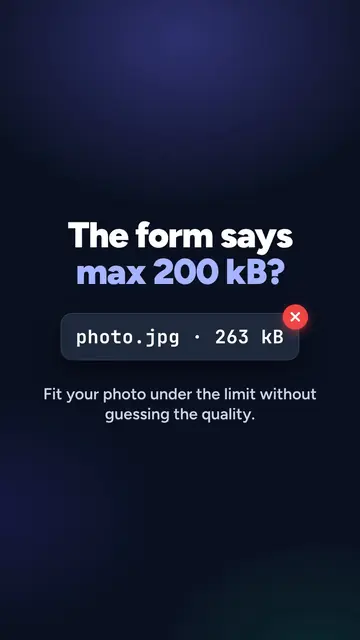
Compress an image by adjusting JPEG quality, entirely in your browser.
Image Tools In your browser
Video · 0:24 · Image Tools
Dozens of photos too big to send?
Shrink a whole batch at once for your shop or an email.
Dozens of photos too big to send? Shrink a whole batch at once for your shop or an email. Resize many images at once Drop in several photos Your queue, with thumbnails Set the width to 800 px Save them as WebP Resize the whole batch Processed on the server See the space you saved Download them all as one ZIP Batch image resizer Free · No sign-up · Files deleted after 60 min
Compress an image by adjusting JPEG quality, entirely in your browser.
Image Tools In your browser
Generate multi-size app icons for Android, iOS and the web from one source image.
Image Tools In your browser
Create ZIP archives from several files or safely extract one with path-traversal and ZIP-bomb protection.
Document Converters File on the server

We value your privacy
We would like to use optional analytics cookies to understand how the site is used and improve it. Nothing is loaded until you choose, and you can change your decision at any time. Privacy policy