
Taglia un video
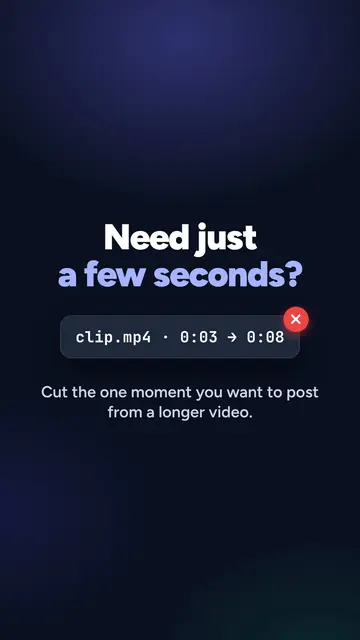
Estrai un clip da un video indicando ora iniziale e durata, senza ricodifica. Gratuito, senza account.
Strumenti video File sul server
Video · 0:22 · Strumenti video
Unwanted sound? Add your own music
Strip the sound first and keep the picture untouched.
Questo video è disponibile in inglese.
Unwanted sound? Add your own music Strip the sound first and keep the picture untouched. Remove the sound from any video Drop in your video Check the preview Remove the track or keep silence Keep a silent track Mute it in one click Processed on the server Same picture, no sound See what's in the file Remove audio from a video Free · No sign-up · Files deleted after 60 min
Estrai un clip da un video indicando ora iniziale e durata, senza ricodifica. Gratuito, senza account.
Strumenti video File sul server
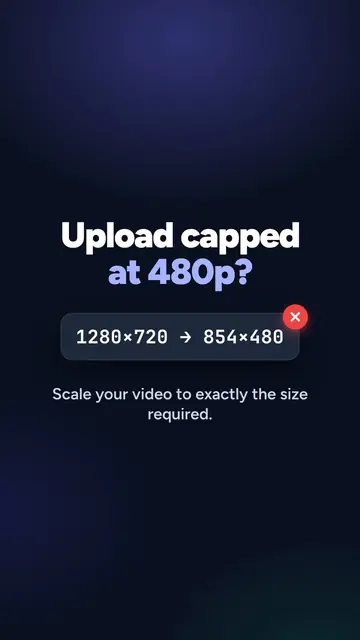
Modifica la risoluzione di un video impostando qualsiasi larghezza e altezza. Gratuito, senza account.
Strumenti video File sul server
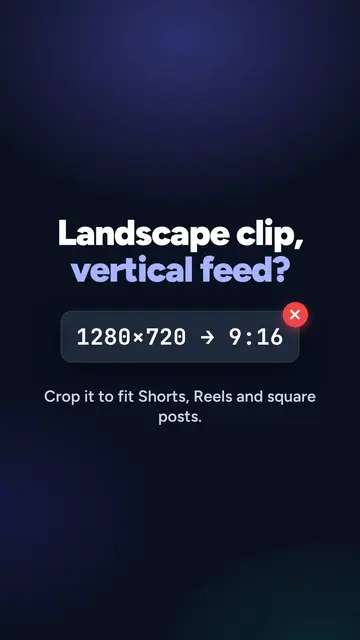
Ritaglia un rettangolo da un video specificando larghezza, altezza e offset. Gratuito, senza account.
Strumenti video File sul server
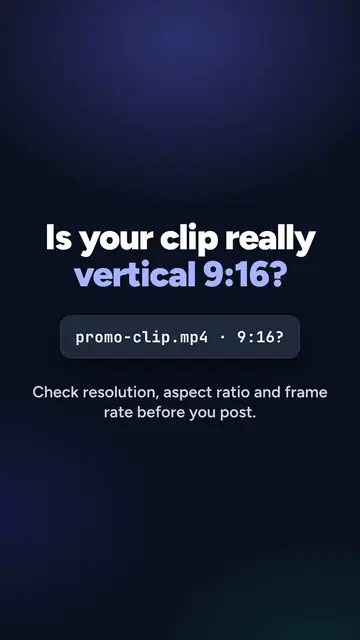
Visualizza i metadati di un file video: risoluzione, durata, formato e dimensione. Strumento online gratuito che funziona interamente nel browser.
Strumenti video Nel browser
Rispettiamo la tua privacy
Vorremmo usare cookie analitici facoltativi per capire come viene utilizzato il sito e migliorarlo. Non viene caricato nulla finché non decidi, e puoi cambiare la tua scelta in qualsiasi momento. Informativa sulla privacy