
Ridimensiona un video
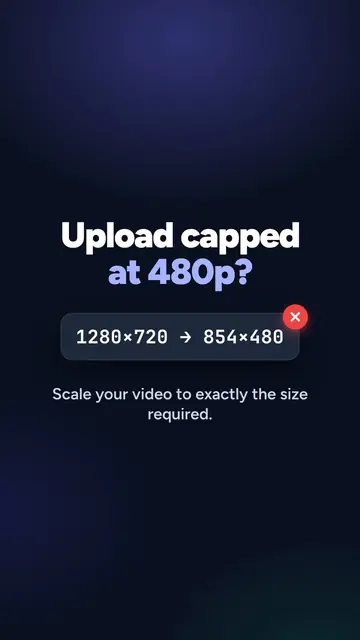
Modifica la risoluzione di un video impostando qualsiasi larghezza e altezza. Gratuito, senza account.
Strumenti video File sul server
Video · 0:24 · Strumenti video
Need just a few seconds?
Cut the one moment you want to post from a longer video.
Questo video è disponibile in inglese.
Need just a few seconds? Cut the one moment you want to post from a longer video. Keep only the part you need Drop in your video Type the start time …and the end time Preview the first frame A 5-second clip Choose exact cutting Trim it in one click Processed on the server Download the 5-second clip Range 0:03–0:08 stays set Trim a video Free · No sign-up · Files deleted after 60 min
Modifica la risoluzione di un video impostando qualsiasi larghezza e altezza. Gratuito, senza account.
Strumenti video File sul server
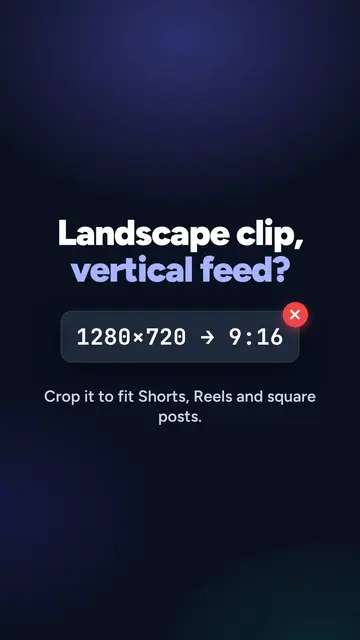
Ritaglia un rettangolo da un video specificando larghezza, altezza e offset. Gratuito, senza account.
Strumenti video File sul server
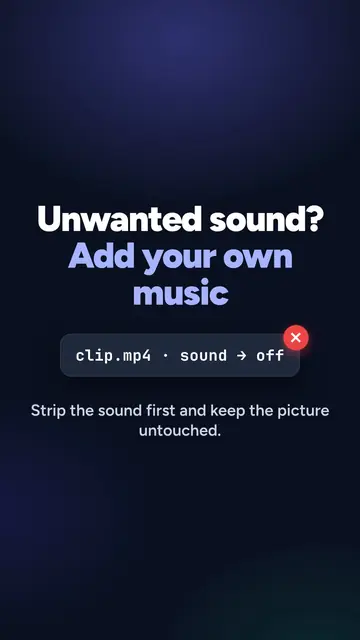
Rimuovi l’audio da un file video senza modificare l’immagine. Gratuito, senza account.
Strumenti video File sul server
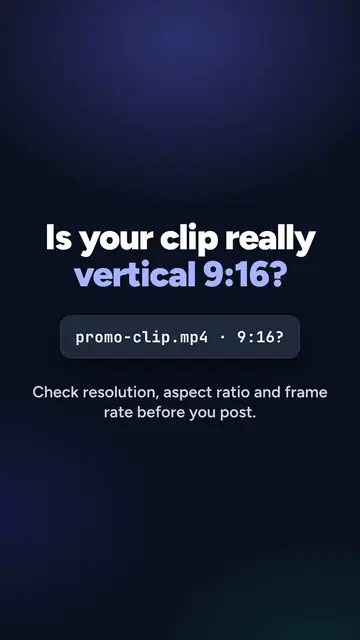
Visualizza i metadati di un file video: risoluzione, durata, formato e dimensione. Strumento online gratuito che funziona interamente nel browser.
Strumenti video Nel browser
Rispettiamo la tua privacy
Vorremmo usare cookie analitici facoltativi per capire come viene utilizzato il sito e migliorarlo. Non viene caricato nulla finché non decidi, e puoi cambiare la tua scelta in qualsiasi momento. Informativa sulla privacy