
Video trimmen
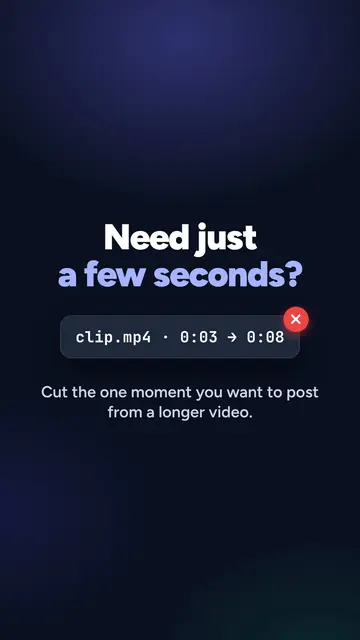
Schneiden Sie anhand von Startzeit und Länge einen Ausschnitt aus einem Video, ohne neu zu kodieren. Kostenlos, ohne Konto.
Video-Tools Datei auf Server
Video · 0:22 · Video-Tools
Unwanted sound? Add your own music
Strip the sound first and keep the picture untouched.
Dieses Video ist auf Englisch verfügbar.
Audio aus Video entfernen
Machen Sie dasselbe mit Ihrer eigenen Datei — kostenlos und ohne Konto.
Tool öffnenUnwanted sound? Add your own music Strip the sound first and keep the picture untouched. Remove the sound from any video Drop in your video Check the preview Remove the track or keep silence Keep a silent track Mute it in one click Processed on the server Same picture, no sound See what's in the file Remove audio from a video Free · No sign-up · Files deleted after 60 min
Schneiden Sie anhand von Startzeit und Länge einen Ausschnitt aus einem Video, ohne neu zu kodieren. Kostenlos, ohne Konto.
Video-Tools Datei auf Server
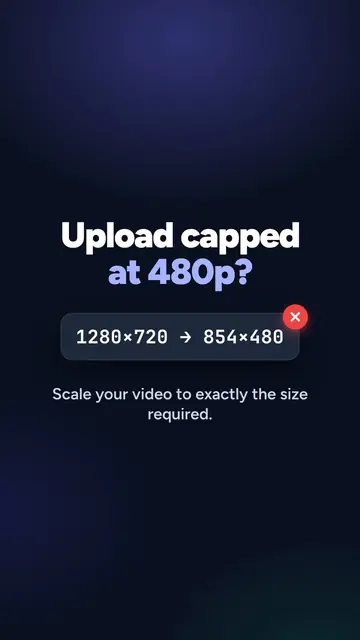
Ändern Sie die Auflösung eines Videos auf eine beliebige Breite und Höhe. Kostenlos, ohne Konto.
Video-Tools Datei auf Server
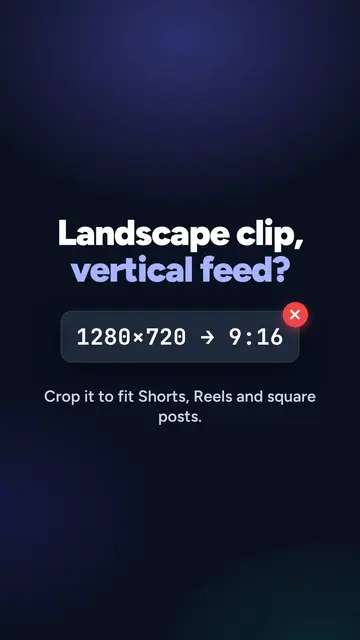
Schneiden Sie anhand von Breite, Höhe und Versatz ein Rechteck aus einem Video. Kostenlos, ohne Konto.
Video-Tools Datei auf Server
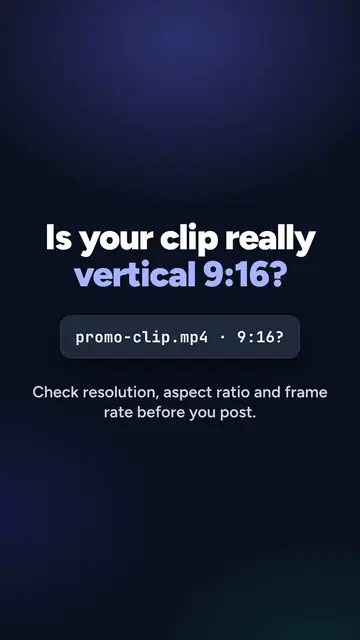
Zeigen Sie Video-Metadaten an — Auflösung, Dauer, Format und Größe. Kostenloses Online-Tool, das vollständig in Ihrem Browser arbeitet.
Video-Tools Im Browser
Ihre Privatsphäre ist uns wichtig
Wir möchten optionale Analyse-Cookies verwenden, um die Nutzung der Website zu verstehen und sie zu verbessern. Es wird nichts geladen, bis Sie sich entscheiden, und Sie können Ihre Entscheidung jederzeit ändern. Datenschutzerklärung