
Trim a video
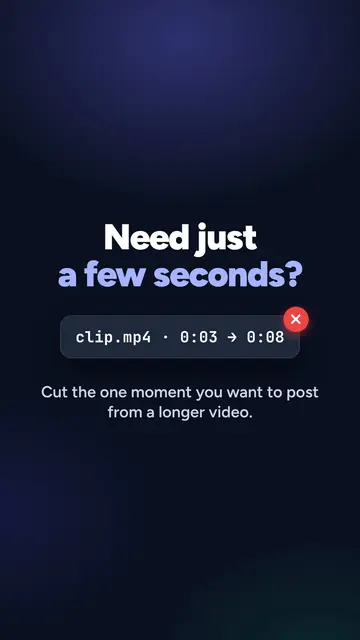
Cut a clip out of a video by start time and length, without re-encoding. Free, no account.
Video Tools File on the server
Video · 0:22 · Video Tools
Unwanted sound? Add your own music
Strip the sound first and keep the picture untouched.
Remove audio from a video
Do the same with your own file — free and without an account.
Open the toolUnwanted sound? Add your own music Strip the sound first and keep the picture untouched. Remove the sound from any video Drop in your video Check the preview Remove the track or keep silence Keep a silent track Mute it in one click Processed on the server Same picture, no sound See what's in the file Remove audio from a video Free · No sign-up · Files deleted after 60 min
Cut a clip out of a video by start time and length, without re-encoding. Free, no account.
Video Tools File on the server
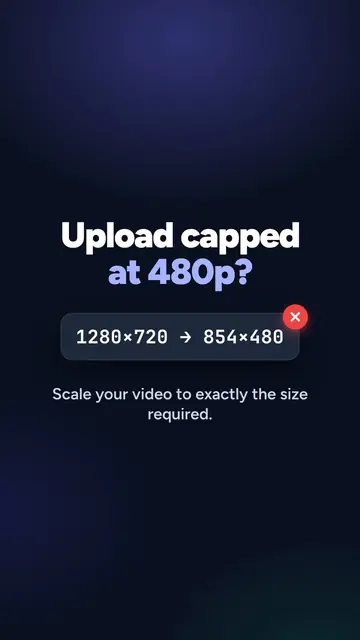
Change a video's resolution to any width and height. Free, no account.
Video Tools File on the server
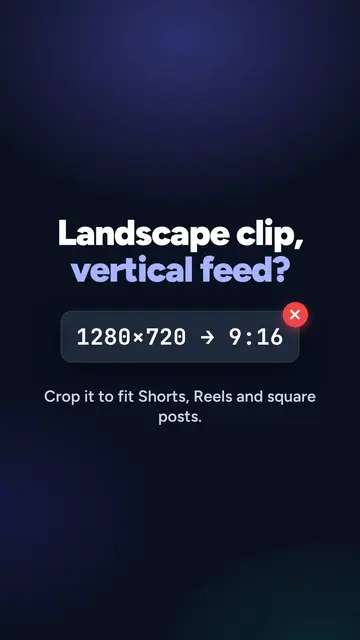
Cut a rectangle out of a video by width, height and offset. Free, no account.
Video Tools File on the server
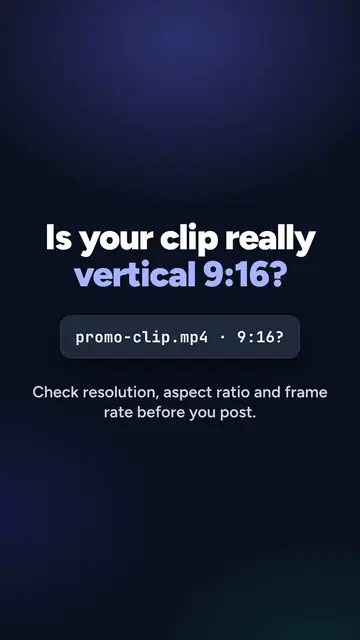
View video file metadata — resolution, duration, format and size. Free online tool, works entirely in your browser.
Video Tools In your browser
We value your privacy
We would like to use optional analytics cookies to understand how the site is used and improve it. Nothing is loaded until you choose, and you can change your decision at any time. Privacy policy