
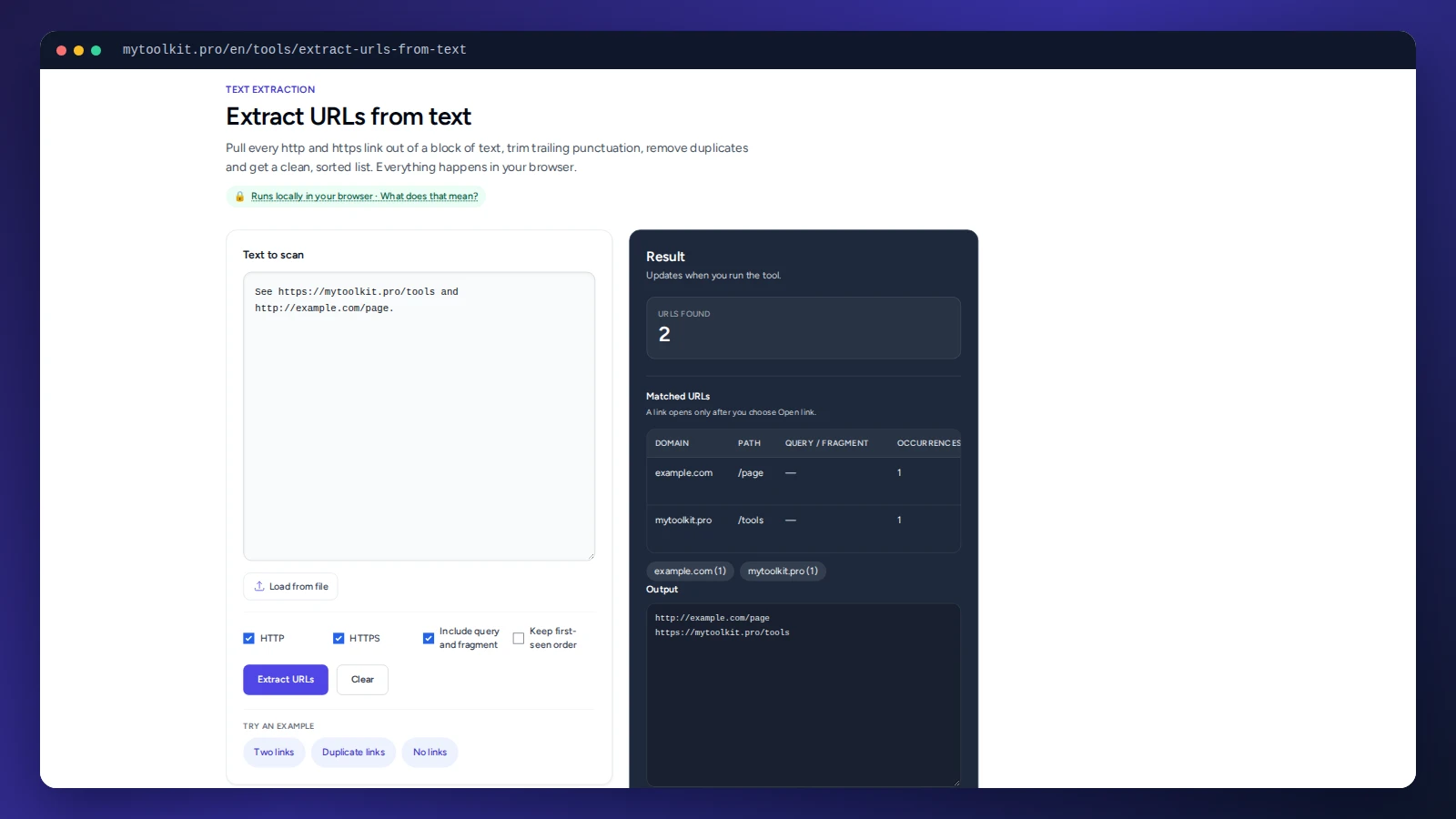
Take the line Docs: https://x.com/guide. Does the address stop before the full stop or after it? Plain text does not say, so every link extractor has to guess. When the guess is wrong, the result is one of a few familiar problems: a bracket goes missing, a path is cut at a space, a link never appears, or one page is listed twice. Each one leaves a visible trace in the extracted list once you know what it looks like.
A quick check of the output
| What you see in the output | Likely cause | What to do |
|---|---|---|
A link without the ., , or ) that followed it in the text |
Sentence punctuation, removed on purpose | Nothing |
A path contains ( with no matching ) |
A trailing ) was stripped |
Add the bracket back |
| A path stops early, often inside a file name | A literal space or quote in the URL | Percent-encode it (space as %20, ' as %27, " as %22) |
| An expected link is missing | No scheme, glued to a word, another scheme, invalid, or its protocol checkbox is off | See the list of skipped addresses |
| One page in two rows | Bare host vs /, path case, parameter order |
Merge by hand if they are the same page |
| The output is spelled differently from the pasted text | Canonical form from the URL parser | Usually nothing |
How the tool decides where an address ends
RFC 3986, Appendix C notes that URIs in text are usually delimited by double quotes, angle brackets or whitespace, and that these delimiters are not part of the URI. The RFC does not define an extraction algorithm, so every extractor uses a heuristic of its own.
The URL extractor works like this. A match starts at http:// or https://, in any letter case, and runs until the next whitespace or one of < > " ' `. Stopping at single quotes and backticks is the tool's own choice; the RFC does not list them. Any run of . , ; : ! ? ) ] } > ' " at the end of the match is then removed.
Input:  See (https://x.com/page). Thanks
Output: https://x.com/page
Without the trim, the link would keep the bracket and the period, and https://x.com/page). may be treated as a different address. In everyday text, trimming is usually the right call.
When the trim cuts too much
A closing bracket that belonged to the address
Some real URLs end in ). Wikipedia titles with a qualifier in brackets are a typical case, for example https://en.wikipedia.org/wiki/Mercury_(planet). The tool always strips a trailing ), so this link comes out as https://en.wikipedia.org/wiki/Mercury_(planet, which points to a different page or to no page. This is a limitation of the heuristic, not correct behaviour.
To spot it, look in the path column of the results table for a path that contains ( with no matching ). Add the bracket back by hand, or fix the output with Find and replace. A link written with %29 instead of ) is not affected, because only literal trailing punctuation is trimmed.
A space or quote inside a file name
A match ends at the first whitespace, so https://x.com/my file.pdf becomes https://x.com/my. This often happens with links to shared files pasted without encoding. A literal ' or " inside a URL ends the match in the same way.
RFC 3986 does not allow a literal space in a URI at all; a space has to be written as %20. Angle brackets do not change the result: the tool still cuts <https://x.com/my file.pdf> at the space. No warning appears, and the only sign is a path shorter than you expected. If you can edit the source, percent-encode the character before extracting.
Addresses the scan skips
Sometimes the problem is a link you expected and did not get. The usual causes:
- No scheme.
www.example.com,example.com/pageand scheme-relative//example.comdo not match, because the scan needshttp://orhttps://. Add the scheme with Find and replace, but only to bare occurrences: a plain swap ofwww.forhttps://www.also hits links that already have a scheme and produceshttps://https://www.…. Replacingwww.(with a leading space) byhttps://www.covers most cases; awww.at the start of a line or right after(needs its own pass. Check the result, then paste it into the link extractor again. - Glued to the previous word. Text such as
abchttps://example.com, common in badly converted PDFs or chat exports, is not matched, because the tool needs a word boundary beforehttp. Add a space and the link is found. - Other schemes.
mailto:,ftp:,javascript:anddata:links are never matched, which also keeps script and data URLs out of the list. - Invalid candidates. Every match goes through the browser's URL parser, which throws an error for an invalid URL. The tool skips such a candidate without a message, so a malformed host such as
http://exa%mple.comsimply disappears. - A protocol filter. Unchecking the HTTP or HTTPS checkbox drops every link with that scheme; with both unchecked, nothing is returned.
When one page fills two rows
The parser follows the WHATWG URL Standard, the same parser behind new URL() in modern browsers. Duplicates are detected on the parsed, normalised form, not on the text as typed.
These differences are merged into one row:
- host letter case:
https://Example.com/aandhttps://example.com/a - an explicit default port:
:443on https,:80on http - internationalised domain names, which are converted to punycode
- dot-segments:
/a/../bbecomes/b
These stay separate:
- Path case.
/Pageand/pageare different rows. RFC 3986, section 6.2.2.1 treats the scheme and host as case-insensitive, but other components as case-sensitive unless the scheme says otherwise. - Query parameter order.
?a=1&b=2and?b=2&a=1are kept as typed. - A bare host and a host with a slash.
https://a.comandhttps://a.com/are two rows. RFC 3986, section 6.2.3 treats an empty path and/as equivalent for http and https, so these are almost certainly the same page and can be merged by hand.
Tracking parameters and #anchors
The Include query and fragment option decides whether everything from ? and # onwards is kept. With the option off, the output lines lose their queries and fragments, and links that differ only in tracking parameters or #section anchors collapse into one row.
Input:  https://Example.com/a?q=1#top https://example.com/a?q=1#top
Output: https://example.com/a?q=1#top   (1 row, 2 occurrences)
With the query option off: https://example.com/a
Dropping fragments is usually safe, because they normally point into the same page. Queries are riskier: a search term or product ID can select completely different content, and the option removes both at once. Once your links are one per line, Sort lines and the duplicate remover handle further cleanup; the article on removing duplicate lines while keeping the first occurrence explains the options.
What the output changes on purpose
The URL parser explains most differences between the output and the pasted text. Non-ASCII characters in a path are percent-encoded and a non-ASCII domain appears in punycode; that is the same address in canonical form. Any user:password@ part is removed, so a link that needed those credentials will not carry them in the output.
If the text comes from an untrusted source, such as a forwarded email or a support ticket, check the domain in the table before you choose Open link.
Privacy
All processing runs in your browser. The text is not uploaded or stored, and the tool never requests a matched address itself.
FAQ
Does the extractor check whether a link still works?
No. It only parses the text, so a dead link is listed like any other.
Is there a limit on how many links it finds?
There is no separate cap on the number of links, but the text field takes up to 1,000,000 characters. Anything pasted beyond that is cut off by the field, so links near the end of a very long paste can be missing. Split very long logs and scan them in parts.
Can I get just the list of domains?
Yes. Copy domains copies each unique domain once, one per line.