
Redimensionador de imágenes por lotes
Cambia el tamaño de hasta 20 imágenes a la vez, conserva la relación de aspecto, recorta o estira y elige el formato de salida.
Herramientas de imagen Archivo en servidor
Vídeo · 0:26 · Herramientas de imagen
The form says max 200 kB?
Fit your photo under the limit without guessing the quality.
Este vídeo está disponible en inglés.
Compresor de imágenes
Haz lo mismo con tu propio archivo — gratis y sin cuenta.
Abrir la herramientaThe form says max 200 kB? Fit your photo under the limit without guessing the quality. Compress it right in your browser Pick your photo See the original size Switch to target size Enter the limit: 200 kB Real size after compression Zoom in to check the detail Slide to compare before and after Download the lighter file Image Compressor Free · No sign-up · Runs in your browser
Cambia el tamaño de hasta 20 imágenes a la vez, conserva la relación de aspecto, recorta o estira y elige el formato de salida.
Herramientas de imagen Archivo en servidor
Convierte imágenes entre los formatos JPEG, PNG y WebP en tu navegador.
Herramientas de imagen En tu navegador

Cambia el tamaño, gira y voltea imágenes localmente en tu navegador.
Herramientas de imagen En tu navegador
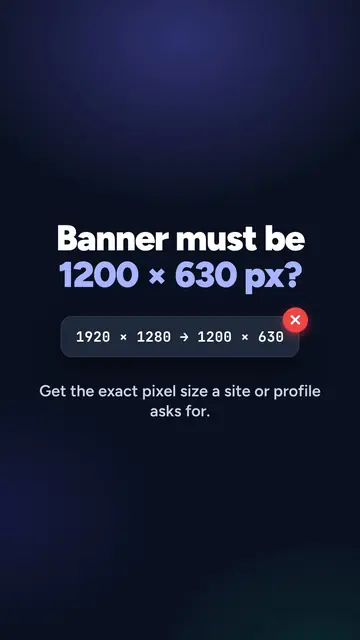
Recorta una imagen de forma interactiva con una vista previa visual, íntegramente en tu navegador.
Herramientas de imagen En tu navegador
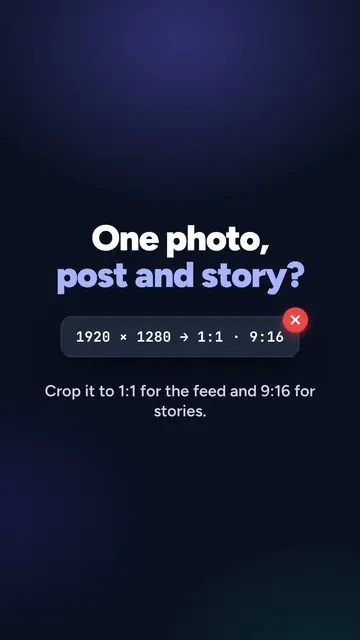
Respetamos tu privacidad
Nos gustaría usar cookies analíticas opcionales para entender cómo se usa el sitio y mejorarlo. No se carga nada hasta que decidas, y puedes cambiar tu decisión en cualquier momento. Política de privacidad