
Batch image resizer
Resize up to 20 images at once, preserve aspect ratio, crop or stretch, and choose the output format.
Image Tools File on the server
Video · 0:26 · Image Tools
The form says max 200 kB?
Fit your photo under the limit without guessing the quality.
The form says max 200 kB? Fit your photo under the limit without guessing the quality. Compress it right in your browser Pick your photo See the original size Switch to target size Enter the limit: 200 kB Real size after compression Zoom in to check the detail Slide to compare before and after Download the lighter file Image Compressor Free · No sign-up · Runs in your browser
Resize up to 20 images at once, preserve aspect ratio, crop or stretch, and choose the output format.
Image Tools File on the server
Convert images between JPEG, PNG and WebP formats in your browser.
Image Tools In your browser

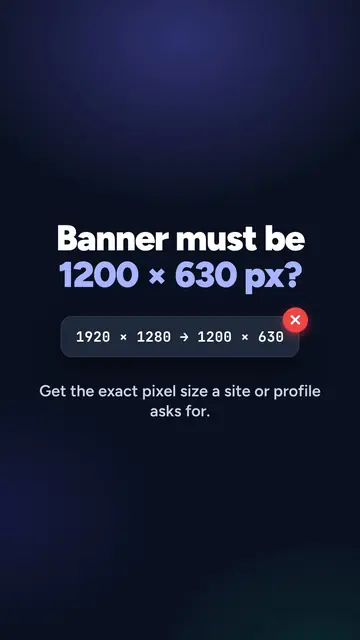
Crop an image interactively with a visual preview, entirely in your browser.
Image Tools In your browser
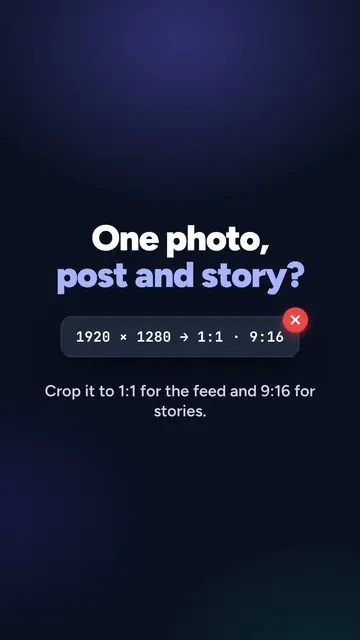
We value your privacy
We would like to use optional analytics cookies to understand how the site is used and improve it. Nothing is loaded until you choose, and you can change your decision at any time. Privacy policy