
A drive sold as 1 TB shows up as roughly 931 in a program that counts in powers of 1024, and nobody made a mistake. The same thing happens with a recipe gallon, an ounce on a datasheet or a temperature change in a report. Two sources disagree, and both can be right.
Each kind of mismatch usually leaves a recognisable pattern. Find yours in the table and go to the matching section.
| What you see | Likely cause |
|---|---|
| A data size is 2–10% smaller than expected | Decimal and binary prefixes |
| A data rate is off by exactly 8 | Bits and bytes |
| A volume is off by roughly 17–20% | US and imperial units with the same name |
| A temperature change comes out far too large | A difference treated as a reading |
| Converting back doesn't return the original | Rounding in the middle |
| Digits differ only far to the right | Floating-point noise |
| A pasted value is off by exactly 1000 | A thousands separator read as a decimal mark |
"My 1 TB drive only shows 931"
Storage is often sold with SI prefixes, where 1 TB = 10^12 bytes. Many programs count in powers of 1024 instead. Strictly, those are binary units: 1 GiB = 2^30 bytes and 1 TiB = 2^40 bytes.
1 TB  = 1 000 000 000 000 bytes
1 GiB = 1 073 741 824 bytes
1 TB / 1 GiB = 931.322574615479  (shown rounded as 931.32)
Nothing went missing. The same bytes are counted in a larger unit, and the gap grows with each prefix:
| Decimal unit | In binary units |
|---|---|
| 1 kB | ≈ 0.977 KiB |
| 1 MB | ≈ 0.954 MiB |
| 1 GB | ≈ 0.931 GiB |
| 1 TB | ≈ 0.909 TiB |
The binary prefixes kibi, mebi, gibi and tebi were approved by the IEC in December 1998, and they are not SI prefixes. In the SI prefix table the symbol for kilo is a lowercase k, so "KB" with a capital K is non-standard, and some software uses it for 1024 bytes. The unit converter lists kB (1000 bytes) and KiB (1024 bytes) separately. If your source writes KB and means 1024, use KiB.
When the factor is exactly 8
A bit is one eighth of a byte, so 100 Mb (megabits) and 100 MB (megabytes) differ by a factor of 8. The converter has bit and byte units but no megabit, so convert line speeds by hand: Mb ÷ 8 = MB. Character and byte counts mix up in a similar way, as explained in why text counters disagree.
"The recipe came out about a sixth short"
The gal, qt, pt and cup in this converter are US customary units. The US gallon is 3.785411784 litres, and the quart, pint and cup are 1/4, 1/8 and 1/16 of it. The unit lists don't label them as US units.
The imperial gallon used in the UK is larger. The Weights and Measures Act 1985 defines it as 4.54609 cubic decimetres (litres), about 20% more than the US gallon. The converter doesn't offer it. If you convert a UK gallon figure as US gallons, the result is 3.785 l instead of 4.546 l, about a sixth (roughly 17%) too small.
Ounces cause a similar mix-up. The converter's oz is the avoirdupois mass ounce: 16 oz = 1 lb, so 1 oz = 28.349523125 g. A fluid ounce measures volume, not mass, so a recipe's "8 oz" of milk may be a volume. The UK and US fluid ounces also differ from each other, and the converter has no fluid ounce. Before converting, find out which system the source document uses.
"A 10-degree rise became 50 °F"
Temperature scales have an offset as well as a scale factor. The SI Brochure (section 2.3.1) defines the Celsius temperature as t/°C = T/K − 273.15 and states that a degree Celsius is equal in size to a kelvin. Fahrenheit adds both a factor and an offset: °F = °C × 9/5 + 32.
The offset applies to readings, not to differences.
| What you have | Correct result | Why |
|---|---|---|
| A reading of 10 °C | 50 °F | 10 × 9/5 + 32 |
| A rise of 10 °C | a rise of 18 °F | 10 × 9/5, no offset |
| A rise of 10 K | a rise of 10 °C | same degree size |
The converter treats every value as a reading and applies the offset, so a typed difference of 10 °C becomes 50. For a difference, multiply by 9/5 yourself, or convert both endpoints and subtract. A handy check: −40 °C is exactly −40 °F, the one point where the two scales meet.
A negative kelvin result is a different warning sign. Thermodynamic temperature can't go below 0 K, so a negative kelvin value means the input or the source is wrong. The converter won't stop you, so check it yourself.
"Converting back doesn't give me the number I started with"
In the worked example in NIST SP 811, section B.7.2, the value is multiplied by the full factor first. Only the converted result is rounded, to a precision that matches the original measurement.
Take 5 mi. It converts to exactly 8.04672 km, shown rounded as 8.0467. If you copy 8.0467 and convert it back, you get about 4.9999876 mi, not 5: roughly 2 cm lost. The rounded view shows that return value as 5, which hides the gap. In a longer chain, each rounded copy can add its own small error, the same way chained percentages fail to cancel in a percentage increase followed by a decrease.
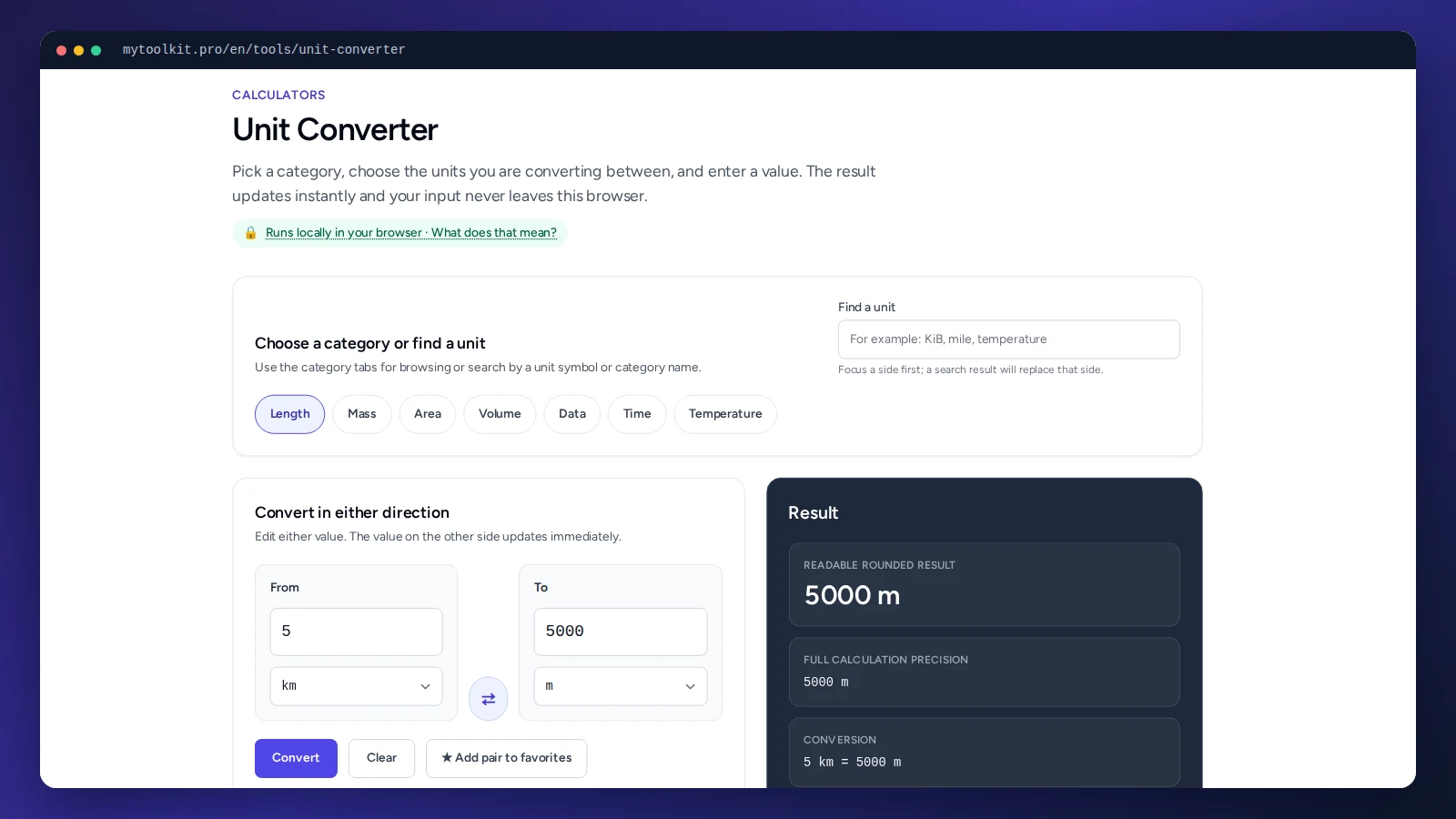
The converter shows two values for this reason. The Readable rounded result rounds to at most 2 decimals for values of 100 and above, 4 from 1 upward, 6 from 0.0001 upward and 10 below that (trailing zeros are dropped), which is why 1609.344 m appears as 1609.34 and 5000 m as 5000.
The figure to carry into a spreadsheet or the next calculation is the one under Full calculation precision.
The opposite mistake also happens: keeping more precision than your input had. A distance estimated to the nearest mile doesn't become accurate to the millimetre because the converter printed six decimals. Round the final answer to match how well you knew the starting value.
"The digits differ only at the very end"
Computers usually store numbers in binary floating point, and most decimal fractions such as 0.1 have no exact binary form. A standard double has a 53-bit significand (Goldberg, 1991), roughly 15 to 17 significant decimal digits, which is why raw results such as 220.00000000000003 appear.
This converter rounds its full-precision value to 15 significant digits: 220.00000000000003 becomes 220, and one third becomes 0.333333333333333. If another calculator differs after the 15th digit, that's representation noise, not a different answer.
Very small values have the opposite problem. Anything smaller than 1e-15 shows as 0 in full precision, and the rounded view shows 0 even sooner. If you see 0 for a value you know isn't zero, pick a smaller target unit.
"A pasted value is off by exactly 1000"
The converter accepts a decimal comma, so the first comma in a value is read as a decimal mark. A value like 1,234.5 is rejected with "Enter a valid number.", but 1,234 on its own is read as 1.234, a result off by a factor of 1000 with no warning. Remove thousands separators before pasting. Scientific notation such as -1.25e3 works as expected.
What is almost never the cause: the factors themselves
The common customary units are now exact multiples of SI units. According to NIST SP 811, Appendix B, 1 inch is exactly 0.0254 m and 1 foot is 0.3048 m. The same appendix notes that the yard was redefined in 1959 as exactly 0.9144 m, so one international mile (1760 yd) is exactly 1609.344 m. The UK Weights and Measures Act 1985 gives the same yard and defines the pound as exactly 0.45359237 kg.
Because these factors don't drift, a disagreement points to one of the causes above rather than to a factor being "slightly wrong". You can check any single factor in the unit converter. Conversion runs in your browser, and saved favourite pairs hold only the category and the two units, never the numbers you entered.
When the question is really about something else
If your data question is about bits and hexadecimal digits, the number base converter is the better fit. The converter's day is a fixed 86,400 seconds; for spans in calendar months or across leap years, use date difference, and for clock times around daylight saving changes see converting time across time zones.