
A QR code that scans and then does the wrong thing is rarely a printing problem. If the camera recognised the code, the pattern did its job. The problem is the string encoded inside it: a missing https://, a space after a network name, or a subject line full of plus signs. Start from what the phone did, and work back to the content.
Match the symptom to the likely cause
| What the phone does | Most likely cause in the content |
|---|---|
| Shows text or offers a web search instead of opening a page | No https://, or a space or punctuation stuck to the link |
| Sees the Wi-Fi network but does not join | Name, password or security type differs from the router |
| Opens an email with "Hello+world" in the subject | Spaces encoded as + |
| Files a contact under the first name | First and last names swapped |
| Shows garbled accented letters | UTF-8 read without an ECI header |
| The page refuses to make a code | The content exceeds the capacity at the chosen level |
Each row is explained below. The last part of the article covers the case where print damage and content problems meet.
How a phone decides what a scan means
A QR symbol stores a sequence of bytes. The scanning app looks at how that sequence begins and picks an action: https:// opens a page, WIFI: offers to join a network, mailto: starts an email and BEGIN:VCARD creates a contact. The ZXing project collects these prefixes as conventions. They are not part of the QR symbology standard, ISO/IEC 18004. When the string is slightly off, the app falls back to plain text or acts on the wrong values.
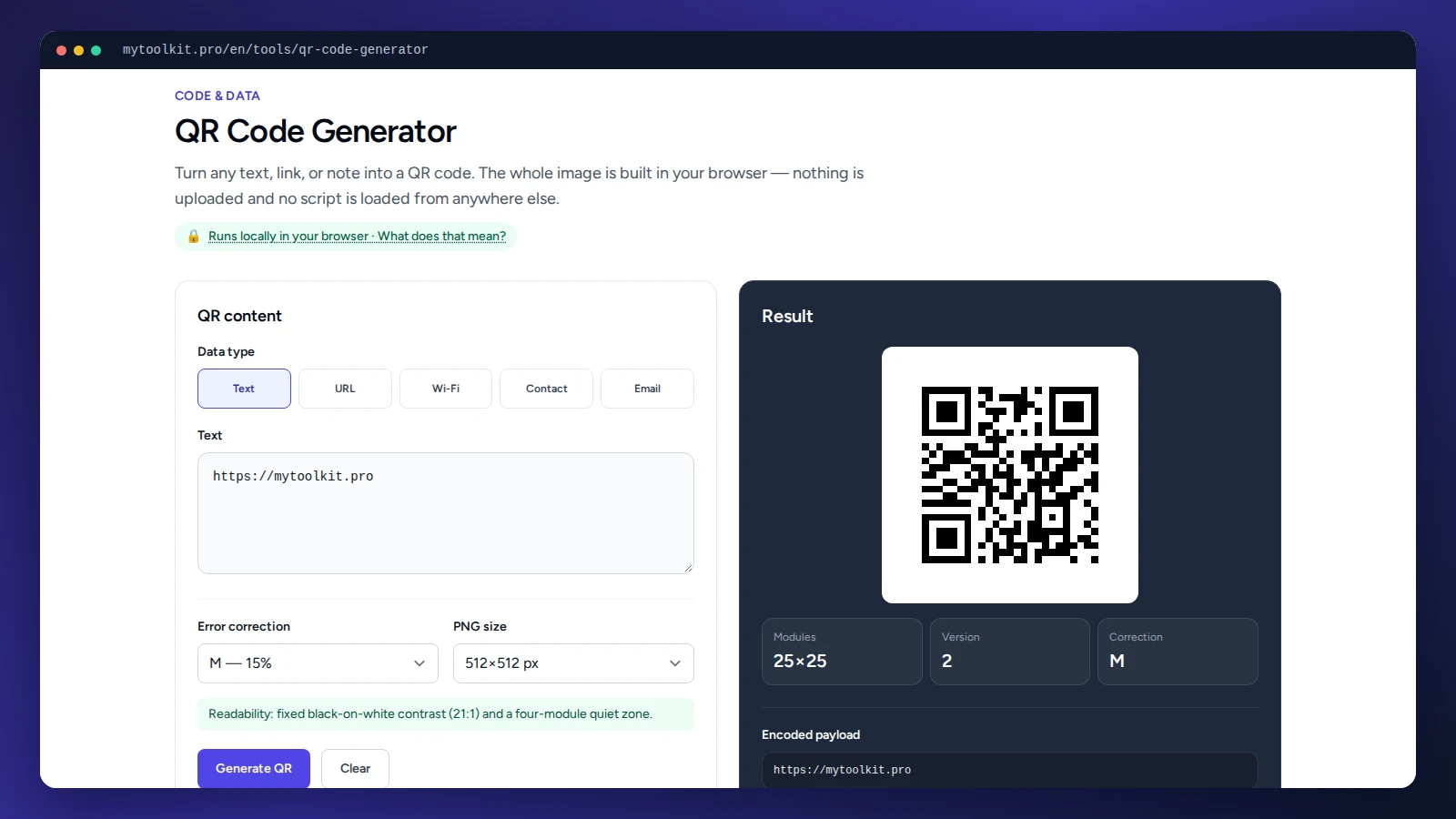
In the QR Code Generator, the Encoded payload preview shows that exact string. Every fix below starts by reading it.
The causes, one by one
A link that opens a search
The Website URL field trims spaces and line breaks at the ends, but it never adds or checks https://. That means example.com is encoded exactly as typed, and some scanners treat a string without a scheme as plain text. Type the full address.
The Text data type trims nothing, so a pasted link with a trailing space or line break carries that character into the code. Neither data type removes punctuation. A closing bracket or full stop copied from a document stays in the address (see why links pulled from text pick up trailing punctuation), so delete it by hand.
A Wi-Fi code that will not connect
A Wi-Fi code holds one short record:
WIFI:T:WPA;S:<network name>;P:<password>;H:false;;
T is the security type, S the network name, P the password and H whether the network is hidden. Semicolons and colons belong to the syntax, so ZXing lists \ ; , " : as characters to escape with a backslash. The tool escapes them, and the apostrophe too. A hidden network called Office;5G with the password a:b\c becomes:
WIFI:T:WPA;S:Office\;5G;P:a\:b\\c;H:true;;
A record built by hand without escaping may be cut at the first unescaped semicolon. If the escaping is right, the record usually disagrees with the router in one of three ways:
- The name ends in a space. The Network name (SSID) field is not trimmed, so the space becomes part of the name.
- The password is missing. No password drops the
P:part entirely, as inWIFI:T:nopass;S:Guest;H:false;;, and that cannot work on a protected network. - The security type is wrong: WEP was chosen for a WPA/WPA2 network, or the reverse.
A lower-priority check is the hidden flag. If the record says H:true for a network that broadcasts its name, most phones still connect, but some handle it badly, so tick Hidden network only when the name really is hidden.
According to ZXing, the format works on Android and on iOS 11 and later, but not every scanner app supports it. Print the password next to the code for everyone else, ideally a password you can type by hand.
An email full of plus signs
The Email data type builds a mailto: link. A subject of "Hello world" and a message of "Line 1 & 2" become:
mailto:[email protected]?subject=Hello+world&body=Line+1+%26+2
The ampersand becomes %26 so it is not read as a separator, a real plus sign becomes %2B, and spaces become +. RFC 6068 says spaces should be encoded as %20. Many mail apps read + literally, so some may show "Hello+world".
If plus signs appear on your test phone, use a one-word Subject or leave it empty, and keep the message to a single word or leave it out. Both are added only when they contain text. An empty address produces no code at all.
A contact filed under the wrong name
The Contact data type writes a vCard 3.0 with a structured name (N), a display name (FN) and an optional phone number and email. It has no fields for a company, address or website. The N line lists the family name first (RFC 2426, section 3.1.2), so a given name typed into Last name files the contact under the wrong name. FN is written as the first name followed by the last name, so an app that sorts by display name may show a different order from the N line.
Commas and semicolons are escaped as the RFC requires, so "Lovelace, Countess" becomes Lovelace\, Countess. The email address is not format-checked, so a typo is encoded exactly as typed.
Garbled accented letters
The tool encodes text as UTF-8 in byte mode, without an ECI header (the optional marker that names the character set). Whether a scanner decodes UTF-8 correctly without that marker depends on the app. If yours shows garbled letters, remove the diacritics, or put the text on a web page and encode the page's URL.
Damaged print or wrong content?
A printed pattern can lose a visible chunk and still decode, because Reed–Solomon error correction stores recovery data alongside the content (Denso Wave). Damage beyond that margin makes the code unreadable; it does not change what a readable code says. So "scans but does the wrong thing" points to the content, while "does not scan at all" points to the print.
Recovery data takes space. A higher Error correction level gives the same content a symbol of the same size or larger. Content size matters too: plain Latin letters take one byte each, accented letters and other scripts two or three, and most emoji four, so the Version tile climbs faster with them. Short addresses stay small: https://mytoolkit.pro is 21 bytes and fits version 2 (25×25 modules) at the tool's default level, M.
In byte mode, version 40 holds 2953 bytes at level L, 2331 at M, 1663 at Q and 1273 at H (Denso Wave, ISO/IEC 18004). The text and URL fields accept up to 2000 characters, so at level H even plain ASCII text can overflow before the field is full. The page then shows "That content is too long to fit in a QR code. Shorten it or lower the correction level." For long content, a code that holds a short link to a page is usually easier to scan.
Before the print run
A successful scan only proves that the image is readable. Scan the code with at least two different phones, ideally the kinds your audience uses, and check the action against the table at the top: the page opens, the phone joins, the subject reads normally, the contact lands under the right name.
Copy payload puts the exact string on the clipboard so someone else can proofread it before printing. The steps for building each type of code are on the QR Code Generator page.
Privacy
The code is built in your browser by a self-written encoder, and Wi-Fi passwords and contact details are not uploaded or stored. The only analytics event records technical details, such as a rough size bucket for the payload. It never records the content.
FAQ
Can I change what a QR code points to after printing it?
No. A static code stores its content in the printed pattern. To change it, reprint the code, or encode the address of a page you control and change that page later. For the same reason the code itself never expires, but a web address in it stops being useful once the page is moved or removed.
Why does the same link give a different-looking code in another generator?
The content can be identical while the pattern differs. Another generator may use a different error correction level, pick a different one of the eight mask patterns (Thonky), or store digits and capital letters in a more compact mode than byte mode, which this tool always uses (Denso Wave). Each choice changes the module layout and sometimes the version. Both codes decode to the same string, so compare what each phone does, not the pictures.