





Split text
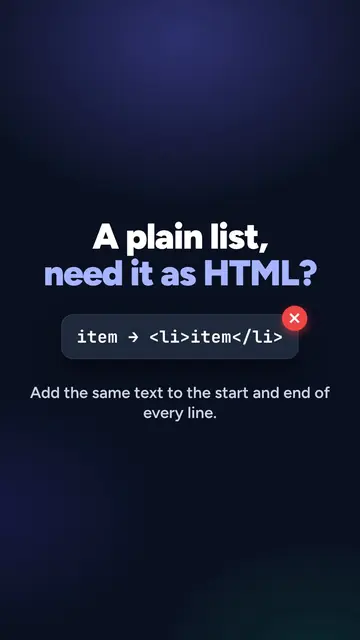
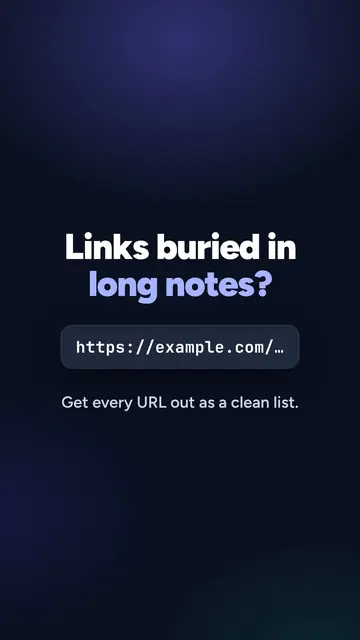
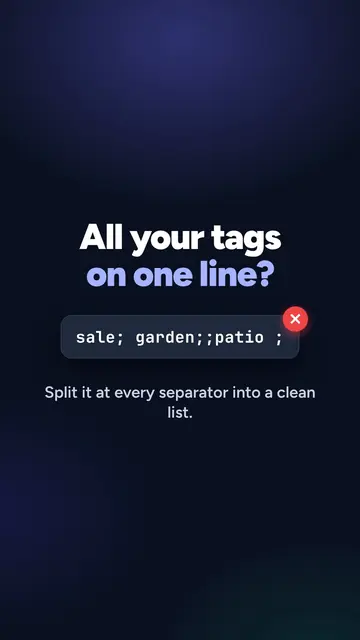
Split text into a list by comma, semicolon, space, pipe, tab or newline. Trim each part and drop empty parts. Works entirely in your browser.
Text & Lists In your browser
Video · 0:20 · Text & Lists
Text too long for the limit?
Split it into ordered parts that each fit.
Text too long for the limit? Split it into ordered parts that each fit. Split text in your browser Paste the long text Set 40 words per part Ordered parts with counts Add a 5-word overlap Numbered parts, ready to use Copy all parts at once Split text into controlled chunks Free · No sign-up · Runs in your browser
Split text into a list by comma, semicolon, space, pipe, tab or newline. Trim each part and drop empty parts. Works entirely in your browser.
Text & Lists In your browser
Count lines, words, Unicode characters, UTF-8 bytes, paragraphs and reading time locally in your browser.
Text & Lists In your browser

Convert text to UPPERCASE, lowercase, Title Case, Sentence case, camelCase, PascalCase, snake_case, kebab-case and CONSTANT_CASE — all nine at once, each with its own copy button. Works entirely in your browser.
Text & Lists In your browser

Find and replace text with options for case sensitivity, whole words and regular expressions. Works entirely in your browser.
Text & Lists In your browser

We value your privacy
We would like to use optional analytics cookies to understand how the site is used and improve it. Nothing is loaded until you choose, and you can change your decision at any time. Privacy policy