
Lines, words & characters counter
Count lines, words, Unicode characters, UTF-8 bytes, paragraphs and reading time locally in your browser.
Text & Lists In your browser

Text analysis
Split a block of text into separate lines by a delimiter — comma, semicolon, space, pipe, tab or newline. Trim each part and drop empty parts. Your text stays in this browser.
Private by design: no text is uploaded or stored.
Read the full guide: Split Text by Comma, Tab or Newline into One Item per Line
Private by design: no text is uploaded or stored.
Try an example
Updates when you split or change an option.
Pick the character that separates your items. Comma, semicolon, space and pipe cover most lists; tab suits data copied from spreadsheets; newline re-splits existing lines. Trim each part removes surrounding whitespace, and remove empty parts drops blank segments left by repeated delimiters. Splitting only breaks your text apart — nothing is added.
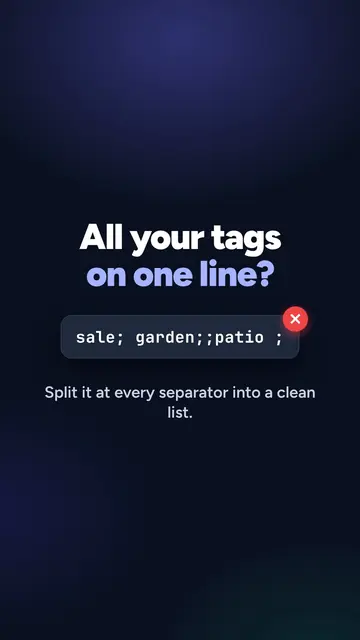 0:21
Video · 0:21
Split it at every separator into a clean list.
Count lines, words, Unicode characters, UTF-8 bytes, paragraphs and reading time locally in your browser.
Text & Lists In your browser
Join multiple lines into one line with a space, comma, semicolon, pipe or no separator. Trim lines and skip blanks. Works entirely in your browser.
Text & Lists In your browser

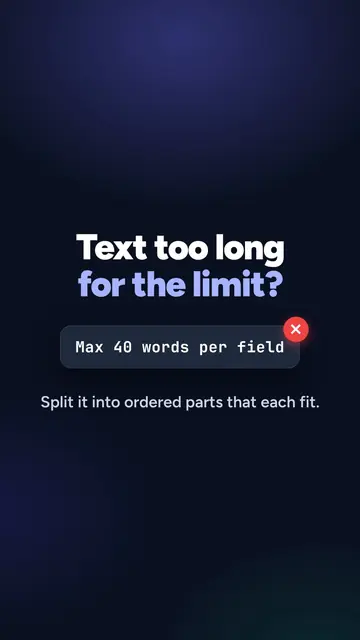
Split text locally into ordered word, character, paragraph or estimated-token chunks with overlap.
Text & Lists In your browser
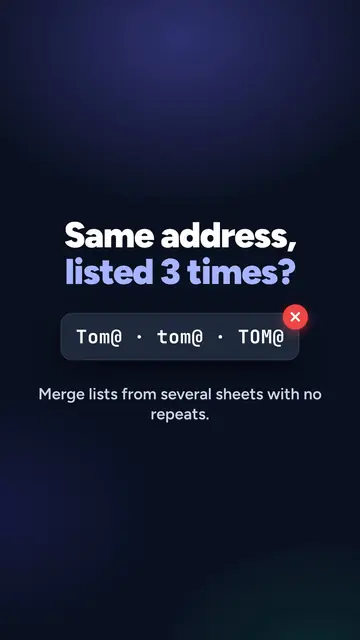
Remove duplicate lines from any list, with optional case-insensitive and whitespace-trimmed matching. Works entirely in your browser.
Text & Lists In your browser
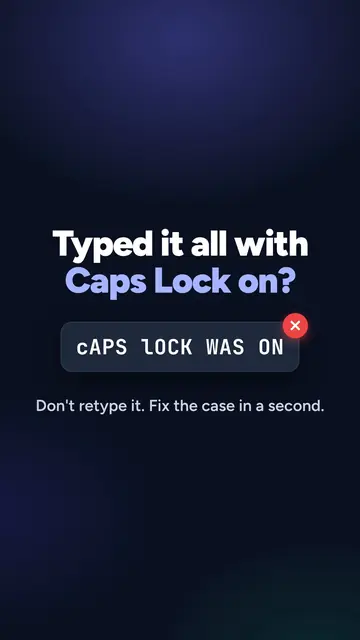
Convert text to UPPERCASE, lowercase, Title Case, Sentence case, camelCase, PascalCase, snake_case, kebab-case and CONSTANT_CASE — all nine at once, each with its own copy button. Works entirely in your browser.
Text & Lists In your browser
Pick one or more random items from a list, with or without replacement. Private, fair selection entirely in your browser.
Text & Lists In your browser

We value your privacy
We would like to use optional analytics cookies to understand how the site is used and improve it. Nothing is loaded until you choose, and you can change your decision at any time. Privacy policy