
Add Prefix and Suffix
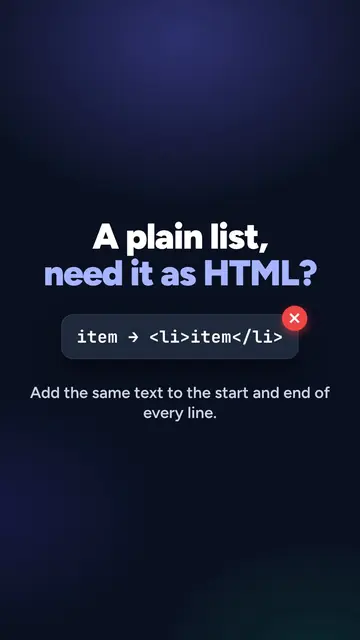
Add a prefix and/or suffix to every line of your text. Optionally skip empty lines. Works entirely in your browser.
Text & Lists In your browser
Text & lists
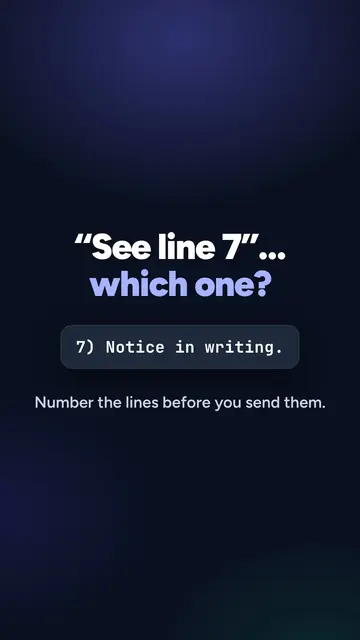
Prefix every line with a number. Pick where the count starts, which separator to use, pad numbers with zeros for neat alignment and optionally skip blank lines. Your text stays in this browser.
Private by design: no text is uploaded or stored.
Private by design: no text is uploaded or stored.
Try an example
Updates when you number lines or change an option.
Every non-skipped line gets a number followed by the separator you choose. Start at any value, including negatives. Pad with zeros to align columns when the largest number has several digits — the width matches the widest number. Skip empty lines leaves blank lines untouched and does not advance the counter, so only real content is numbered.
 0:20
Video · 0:20
Number the lines before you send them.
Add a prefix and/or suffix to every line of your text. Optionally skip empty lines. Works entirely in your browser.
Text & Lists In your browser
Number PDF pages and choose the starting number, label style, position and font size.
PDF Tools File on the server

Count lines, words, Unicode characters, UTF-8 bytes, paragraphs and reading time locally in your browser.
Text & Lists In your browser

Remove duplicate lines from any list, with optional case-insensitive and whitespace-trimmed matching. Works entirely in your browser.
Text & Lists In your browser

Pick one or more random items from a list, with or without replacement. Private, fair selection entirely in your browser.
Text & Lists In your browser

Sort lines alphabetically, numerically, in natural order or by length. Reverse, ignore case and remove duplicates. Works entirely in your browser.
Text & Lists In your browser

We value your privacy
We would like to use optional analytics cookies to understand how the site is used and improve it. Nothing is loaded until you choose, and you can change your decision at any time. Privacy policy