
A size picked before signing in is lost once the user signs in. A support link opens the right page but skips the section it pointed to. An analytics report lists a landing page as https%3A%2F%2F…. All three come from the same mistake: one address was put inside another, and the two were encoded wrongly or not at all.
Take this login link:
https://shop.example/login?return_to=https://shop.example/cart?item=42&size=M
Where the outer link splits
The login page splits its query string at every &. It receives return_to=https://shop.example/cart?item=42 plus a separate size=M, which it ignores. An unencoded # would cut deeper: it starts the outer link's fragment, and nothing after it reaches the server at all.
RFC 3986 calls characters such as : / ? # & = reserved delimiters, because they give a URL its structure. Where one of them is data that could be read as structure, it has to be percent-encoded: % followed by two hex digits. A literal % becomes %25.
What each mode leaves alone
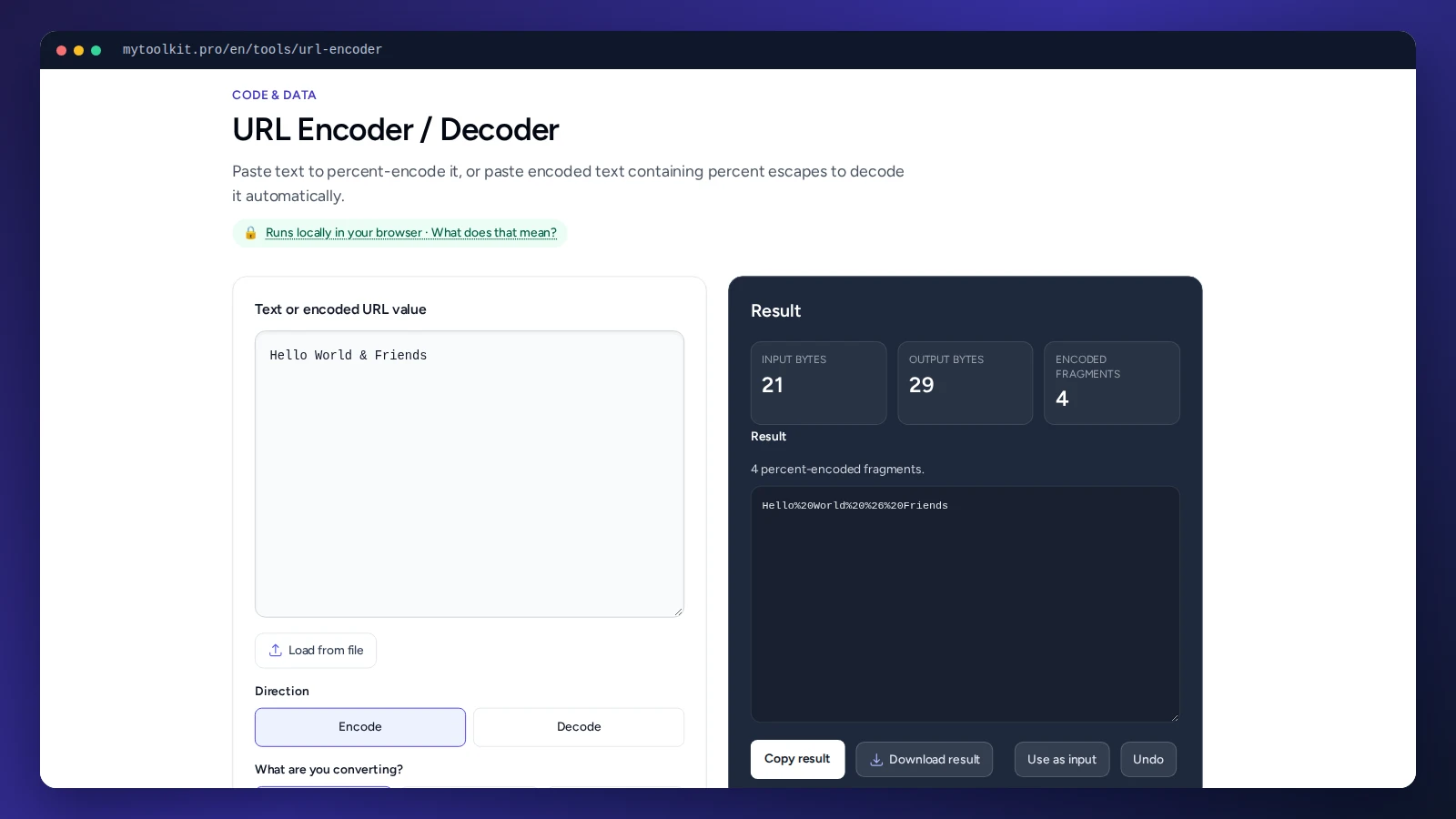
The URL Encoder / Decoder offers two different rule sets. The table shows the same inputs encoded both ways:
| Text | Full URL | URL component |
|---|---|---|
https://shop.example/cart?item=42&size=M |
unchanged | https%3A%2F%2Fshop.example%2Fcart%3Fitem%3D42%26size%3DM |
size M & L |
size%20M%20&%20L |
size%20M%20%26%20L |
+48 600 100 200 |
+48%20600%20100%20200 |
%2B48%20600%20100%20200 |
#reviews |
#reviews |
%23reviews |
ą |
%C4%85 |
%C4%85 |
The Full URL mode uses encodeURI, which deliberately keeps ; , / ? : @ & = + $ # because it assumes they are structure. That is right for tidying a whole address and wrong for a value inside one.
The URL component mode uses encodeURIComponent, which escapes all of them. This is the mode for anything that goes after return_to=.
The Query value mode gives exactly the same output, so a space is still written as %20, not +.
encodeURIComponent leaves A–Z a–z 0–9 - _ . ! ~ * ' ( ) unescaped. RFC 3986 lists ! ' ( ) * as reserved sub-delimiters, so a few strict systems expect them encoded. MDN gives a short replace() workaround for that case.
Which layer to encode, and how many times
| Situation | What to encode |
|---|---|
| One address carried in one parameter | Only the inner address, once, as a component |
| The value already came encoded from a CMS or link builder | Nothing; insert it as it is |
| The address passes through two services | The inner address, then the whole middle link |
| The finished outer link | Never encode it as a component; its own ? and = must stay |
For the login link, only the cart address is encoded:
https://shop.example/login?return_to=https%3A%2F%2Fshop.example%2Fcart%3Fitem%3D42%26size%3DM
The two-service case is the one place where a double layer is correct. Each receiving page removes one layer, so the innermost address needs two:
inner:  https://shop.example/cart?item=42&size=M
middle: https://auth.example/sso?next=https%3A%2F%2Fshop.example%2Fcart%3Fitem%3D42%26size%3DM
outer:  https://shop.example/login?return_to=https%3A%2F%2Fauth.example%2Fsso%3Fnext%3Dhttps%253A%252F%252Fshop.example%252Fcart%253Fitem%253D42%2526size%253DM
Build it from the inside out, and check it by decoding one layer at a time.
A check before the link goes out
Paste the finished outer link into the URL Encoder / Decoder and run through these points:
-
Decode it in the Full URL mode. decodeURI does not decode escapes that stand for reserved characters (ECMA-262), so
%2F,%3F,%26and%23stay encoded. What you see is the structure the server will see. -
In the breakdown under the result, the Query line should hold one
return_toparameter, with nosize=Mafter it. -
The Fragment line should show "—" unless you added a fragment on purpose. Part of the inner address there means a
#slipped through. -
Copy only the value after
return_to=and decode it in the URL component mode. Escapes turn back into/ ? & #, and you can read where the visitor will land.
The breakdown appears only for absolute addresses. It is not shown for a relative path or for text without a scheme such as https://.
Symptoms and what they point to
| What you see | Likely cause |
|---|---|
| A parameter of the inner link is lost | Its & was not encoded |
| The destination is cut short, or a section anchor is missing | An unencoded # |
%2520 or %253A in a received value, https%3A… as a destination |
The value was encoded twice |
| A space where a plus sign was typed | A form-style parser read + as a space |
| "This percent-encoded value is incomplete or invalid." | A broken escape: the link was cut inside a %XX sequence, or contains a bare % or non-hex characters after % |
Double encoding happens when an already encoded value is encoded again, often because a CMS had done it first, or because the whole outer link was encoded on top. Each % becomes %25, so %20 turns into %2520. To confirm, decode the value once in the component mode. If escapes such as %20 or %3A remain where you expected plain characters, there were two layers. In the original value, %25 followed by something other than two hex digits, as in 100%25 off, is just an encoded percent sign, not a second layer.
The plus sign comes from application/x-www-form-urlencoded, the format of HTML forms, which writes a space as +. A phone number such as +48 600 100 200 or an address like [email protected] must therefore travel with %2B. The tool always writes a space as %20, and form parsers decode that as a space too.
Links copied from email or chat can be cut off in the middle of an escape, ending in %E2%80 or a bare %. The tool then clears the output rather than showing partial text. Get the complete link from its source again, because editing escapes by hand usually produces another broken value. If the link sits inside a longer message, extracting links from text covers punctuation and brackets that get glued onto a URL.
Why non-Latin text makes a link so long
Non-ASCII characters become one %XX per UTF-8 byte. The letter "ą" is two bytes, so it becomes %C4%85. Each Polish letter adds two to Encoded fragments. A single emoji such as 😀 adds four, and emoji with skin tones or joined sequences add more.
The byte count grows faster still. For "ą", 2 input bytes become 6 in Output bytes, because each escape is three ASCII characters.
Privacy
The conversion runs in your browser using its built-in functions, and no network request is made for it. The clipboard is used only when you click Copy result. That matters because return links and tracking links often carry session or account identifiers. Remember that percent-encoding hides nothing: anyone can decode it.
FAQ
Why does my redirect land on the wrong page after login?
Usually the inner link was not encoded, so its & or # split the outer link and only part of the address reached the redirect parameter. Encode the inner value as a component and check the outer link's Query line again.
Why does the receiving page show a space where I typed a plus sign?
Form-style parsers read + as a space. Send a literal plus as %2B, which encodeURIComponent produces automatically.
Does percent-encoding a link protect it against XSS or tampering?
No. Percent-encoding only stops characters from being read as URL structure, and anyone can reverse it. The receiving page still has to check where it redirects to and escape anything it displays.
Is percent-encoding the same as Base64?
No. Percent-encoding escapes only the characters that need it and leaves the rest readable. Base64 rewrites all the data into a different alphabet, and its output can contain +, / and =, which then need percent-encoding inside a URL. For Base64 itself, use the Base64 encoder.