
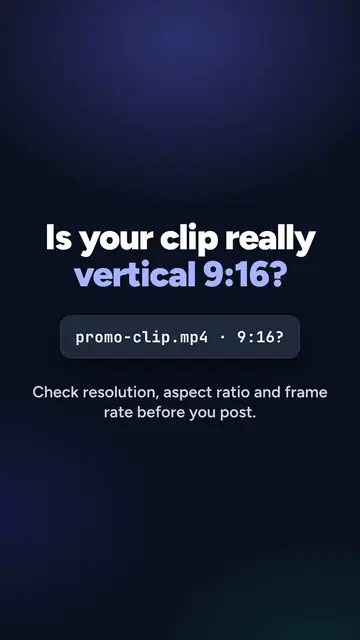
Ändra storlek på flera bilder
Ändra storlek på upp till 20 bilder samtidigt, behåll proportionerna, beskär eller sträck ut och välj utdataformat.
Bildverktyg Fil på servern
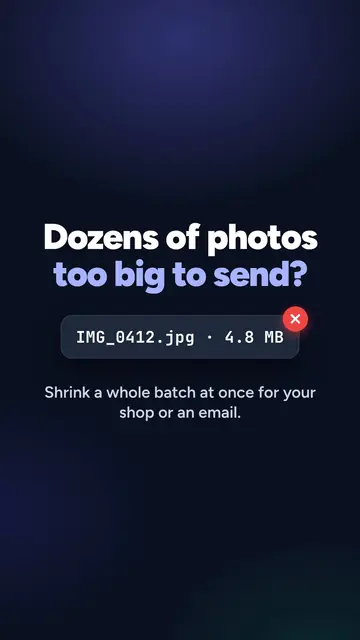
Video · 0:22 · Videoverktyg
Upload capped at 480p?
Scale your video to exactly the size required.
Den här videon finns på engelska.
Upload capped at 480p? Scale your video to exactly the size required. Change the resolution of any video Drop in your video Source size detected Type the new width Height follows automatically Resize it in one click Processed on the server Download the 480p clip Resize a video Free · No sign-up · Files deleted after 60 min
Ändra storlek på upp till 20 bilder samtidigt, behåll proportionerna, beskär eller sträck ut och välj utdataformat.
Bildverktyg Fil på servern
Klipp ut ett avsnitt ur en video utifrån starttid och längd, utan omkodning. Gratis, inget konto krävs.
Videoverktyg Fil på servern
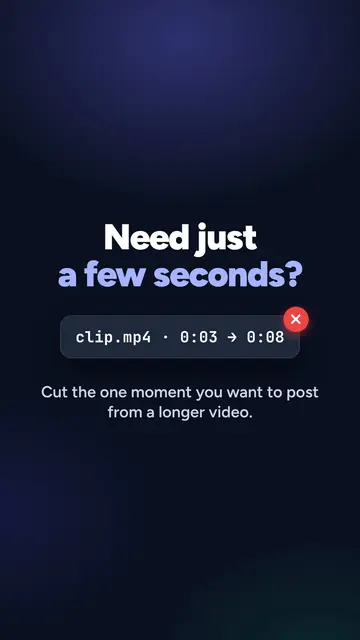
Klipp ut en rektangel ur en video utifrån bredd, höjd och förskjutning. Gratis, inget konto krävs.
Videoverktyg Fil på servern
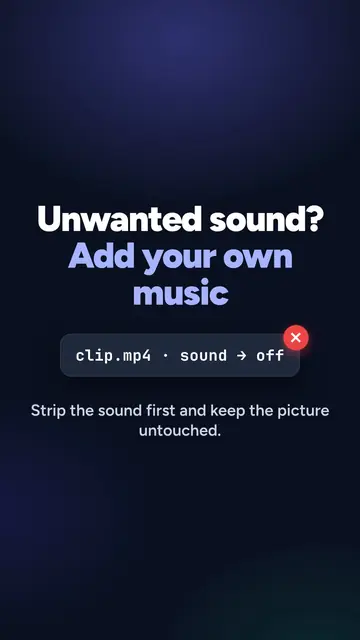
Ta bort ljudet från en videofil utan att ändra bilden. Gratis, inget konto krävs.
Videoverktyg Fil på servern
Vi värnar om din integritet
Vi vill gärna använda valfria analyscookies för att förstå hur webbplatsen används och förbättra den. Ingenting laddas in förrän du väljer, och du kan ändra ditt beslut när som helst. Integritetspolicy