
Ändra storlek på flera bilder
Ändra storlek på upp till 20 bilder samtidigt, behåll proportionerna, beskär eller sträck ut och välj utdataformat.
Bildverktyg Fil på servern
Video · 0:24 · Bildverktyg
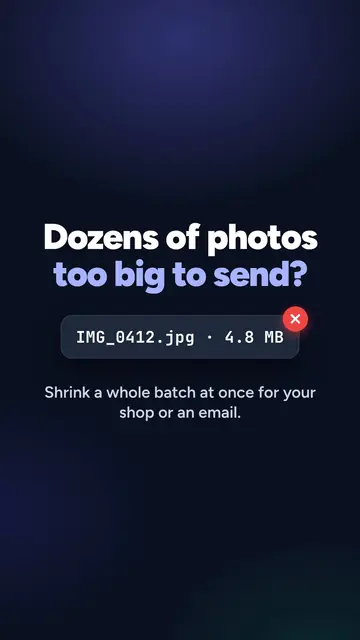
Banner must be 1200 × 630 px?
Get the exact pixel size a site or profile asks for.
Den här videon finns på engelska.
Banner must be 1200 × 630 px? Get the exact pixel size a site or profile asks for. Exact size, right in your browser Pick your image Width 1200, height follows Unlock the aspect ratio Set the height to 630 px Cover crops, nothing stretched Save it as JPEG Set the quality to 80% Transform the image Exactly 1200 × 630, size shown Download the ready file Image Resizer Free · No sign-up · Runs in your browser
Ändra storlek på upp till 20 bilder samtidigt, behåll proportionerna, beskär eller sträck ut och välj utdataformat.
Bildverktyg Fil på servern
Skapa appikoner i flera storlekar för Android, iOS och webben från en enda källbild.
Bildverktyg I webbläsaren
Komprimera en bild genom att justera JPEG-kvaliteten, helt i din webbläsare.
Bildverktyg I webbläsaren
Konvertera bilder mellan formaten JPEG, PNG och WebP i din webbläsare.
Bildverktyg I webbläsaren

Vi värnar om din integritet
Vi vill gärna använda valfria analyscookies för att förstå hur webbplatsen används och förbättra den. Ingenting laddas in förrän du väljer, och du kan ändra ditt beslut när som helst. Integritetspolicy