







Formateador y conversor de YAML
Da formato a YAML y convierte YAML a JSON o JSON a YAML en tu navegador. No se sube nada.
Código y datos En tu navegador

Vídeo · 0:23 · Código y datos
API response in one long line?
Find the stray comma and make the JSON readable.
Este vídeo está disponible en inglés.
API response in one long line? Find the stray comma and make the JSON readable. Format JSON in your browser Paste the raw response Broken at column 144 Drop the trailing comma Readable, 2-space indent Sort keys A to Z Same data, sorted keys Browse it as a tree JSON Formatter Free · No sign-up · Runs in your browser
Da formato a YAML y convierte YAML a JSON o JSON a YAML en tu navegador. No se sube nada.
Código y datos En tu navegador
Decodifica un JSON Web Token (JWT) en tu navegador. Lee las declaraciones del encabezado y la carga útil, consulta el algoritmo y el número de declaraciones. No se sube nada y la firma no se verifica.
Código y datos En tu navegador

Convierte una matriz JSON de objetos a CSV en tu navegador. Elige el delimitador y conserva o elimina la fila de encabezado, con entrecomillado correcto. No se sube nada.
Código y datos En tu navegador
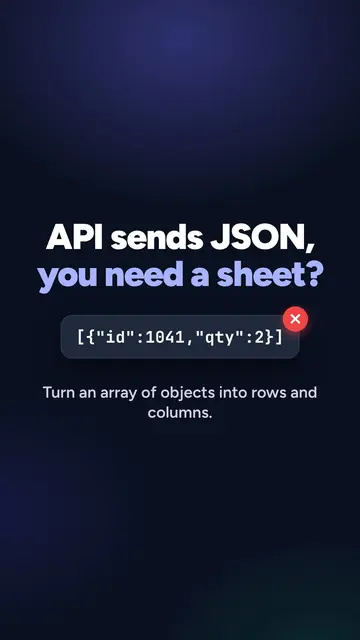
Convierte CSV en una matriz JSON en tu navegador. Elige el delimitador, usa la primera fila como claves y genera un resultado con sangría o minificado, con comillas conforme a RFC 4180. No se sube nada.
Código y datos En tu navegador

Respetamos tu privacidad
Nos gustaría usar cookies analíticas opcionales para entender cómo se usa el sitio y mejorarlo. No se carga nada hasta que decidas, y puedes cambiar tu decisión en cualquier momento. Política de privacidad