




Whitespace Normalizer
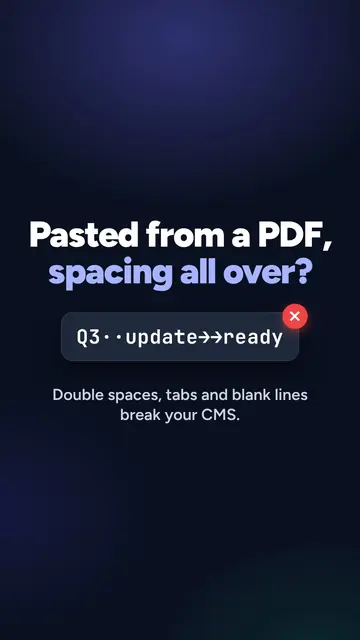
Collapse repeated spaces and tabs, trim lines, remove blank lines and tidy the whole document. Works entirely in your browser.
Text & Lists In your browser
Video · 0:23 · Text & Lists
Copied text full of <tags>?
Get just the words out of page code or an email.
Copied text full of <tags>? Get just the words out of page code or an email. Plain text in one click Paste the messy HTML Strip the tags Clean text, list kept Want the link addresses? URLs stay next to the text See what was removed Copy and paste anywhere Strip HTML tags Free · No sign-up · Runs in your browser
Collapse repeated spaces and tabs, trim lines, remove blank lines and tidy the whole document. Works entirely in your browser.
Text & Lists In your browser
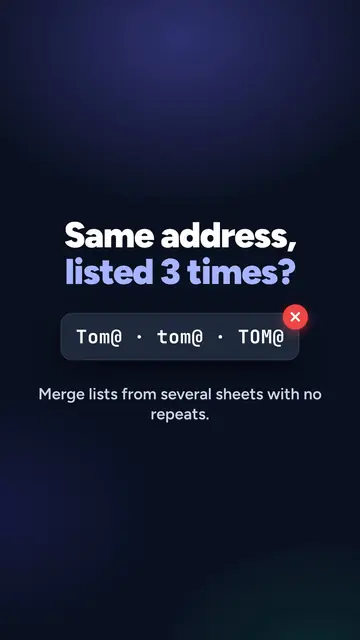
Find every e-mail address in a block of text, remove duplicates and get a clean, sorted list — one address per line. Everything happens in your browser.
Text & Lists In your browser

Strip zero-width spaces, the BOM, soft hyphens and other invisible Unicode that sneaks in when you copy text. Normal spaces and line breaks are kept.
Text & Lists In your browser

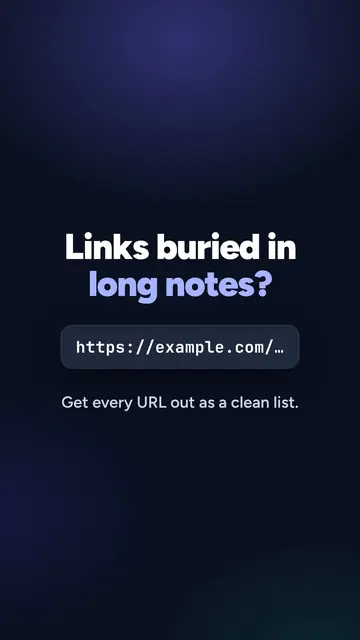
Pull every http and https link out of a block of text, trim trailing punctuation, remove duplicates and get a clean, sorted list. Everything happens in your browser.
Text & Lists In your browser
We value your privacy
We would like to use optional analytics cookies to understand how the site is used and improve it. Nothing is loaded until you choose, and you can change your decision at any time. Privacy policy