
Merge audio files
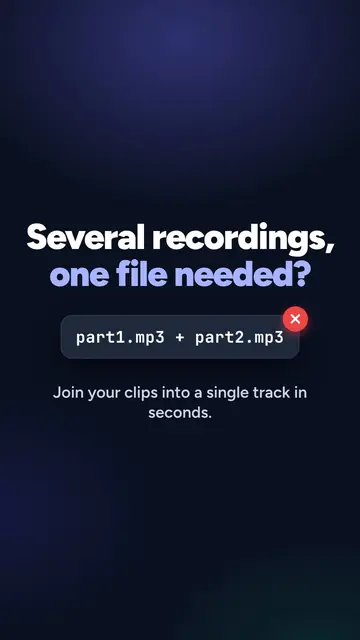
Join several audio files end to end into one track, even across different formats. Free, no account.
Audio Tools File on the server
Video · 0:23 · Audio Tools
Need just 5 seconds of it?
Cut a ringtone or intro out of any recording.
Need just 5 seconds of it? Cut a ringtone or intro out of any recording. Keep only the part you need Drop in your audio file See the whole waveform Set the start and end A 5-second clip Choose precise cutting Trim it in one click Processed on the server Download the trimmed clip Trim an audio file Free · No sign-up · Files deleted after 60 min
Join several audio files end to end into one track, even across different formats. Free, no account.
Audio Tools File on the server
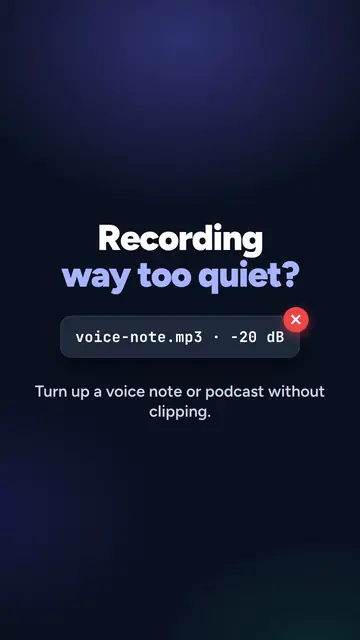
Make an audio file louder or quieter by a multiplier. Free, no account, files deleted after 60 minutes.
Audio Tools File on the server
View audio file metadata — duration, format and size. Free online tool, works entirely in your browser.
Audio Tools In your browser

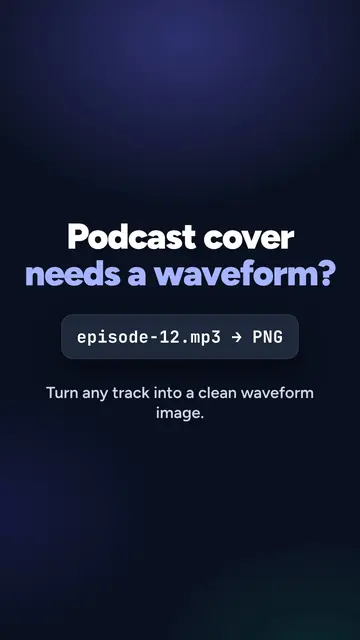
Turn an audio file into a waveform picture. Free, no account, files deleted after 60 minutes.
Audio Tools File on the server
We value your privacy
We would like to use optional analytics cookies to understand how the site is used and improve it. Nothing is loaded until you choose, and you can change your decision at any time. Privacy policy