
Lines, words & characters counter
Count lines, words, Unicode characters, UTF-8 bytes, paragraphs and reading time locally in your browser.
Text & Lists In your browser
Text analysis
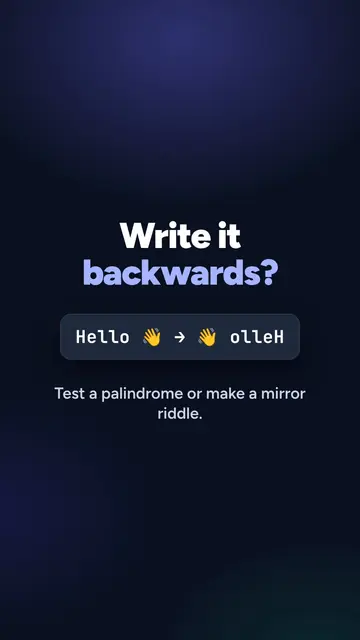
Flip your text back to front. Emoji and accented letters stay intact — each visible character is treated as one unit. Your text stays in this browser.
Private by design: no text is uploaded or stored.
Read the full guide: How to Reverse Text Online — Simple String Manipulation
Private by design: no text is uploaded or stored.
Try an example
Updates when you click Reverse text.
Characters are counted and reversed as visible Unicode units (grapheme clusters), so emoji, flags and accented letters are never torn apart. By default the whole text is reversed, which also flips the order of lines. Enable the option above to reverse every line in place while keeping the original line order. Reversing a reversed text returns the original.
 0:18
Video · 0:18
Test a palindrome or make a mirror riddle.
Count lines, words, Unicode characters, UTF-8 bytes, paragraphs and reading time locally in your browser.
Text & Lists In your browser
Convert text to UPPERCASE, lowercase, Title Case, Sentence case, camelCase, PascalCase, snake_case, kebab-case and CONSTANT_CASE — all nine at once, each with its own copy button. Works entirely in your browser.
Text & Lists In your browser
Find and replace text with options for case sensitivity, whole words and regular expressions. Works entirely in your browser.
Text & Lists In your browser
Compare two blocks of text line by line and see exactly what was added, removed or left unchanged. Works entirely in your browser.
Text & Lists In your browser
Collapse repeated spaces and tabs, trim lines, remove blank lines and tidy the whole document. Works entirely in your browser.
Text & Lists In your browser
Join multiple lines into one line with a space, comma, semicolon, pipe or no separator. Trim lines and skip blanks. Works entirely in your browser.
Text & Lists In your browser
We value your privacy
We would like to use optional analytics cookies to understand how the site is used and improve it. Nothing is loaded until you choose, and you can change your decision at any time. Privacy policy