
Markdown to HTML converter
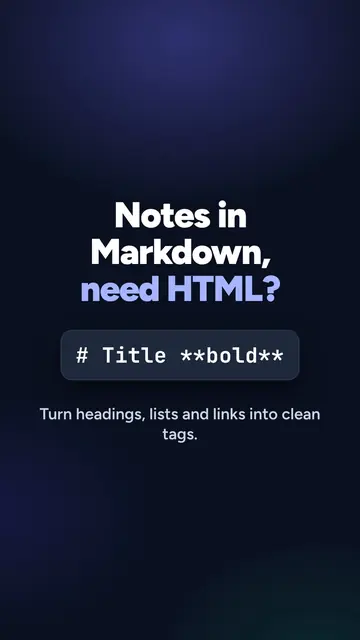
Convert a predictable Markdown subset to safe, copyable HTML in your browser.
Text & Lists In your browser
Code & Data
Write Markdown and see it rendered instantly, then copy the clean HTML. All rendering happens in this browser and untrusted HTML in your source is always escaped.
Private by design: no text is uploaded or stored.
Limited Markdown
Private by design: no text is uploaded or stored.
Try an example
Updates as you type.
Live preview
This previewer supports the everyday Markdown you need: headings, bold, italic, inline code and fenced code blocks, links, unordered and ordered lists, blockquotes and horizontal rules. It deliberately does not support tables, nested lists, images, reference links or raw inline HTML — any HTML you type is escaped and shown as text, which is what keeps the live preview safe. Links are limited to http, https, mailto, and relative URLs, so a javascript: link can never sneak into the output. Everything runs in your browser, so nothing you write is sent anywhere.
 0:22
Video · 0:22
See the formatted result while you type.
Convert a predictable Markdown subset to safe, copyable HTML in your browser.
Text & Lists In your browser
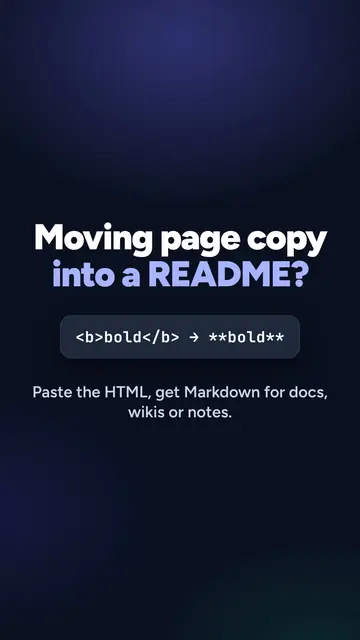
Convert common HTML markup to clean Markdown locally and remove active content.
Text & Lists In your browser
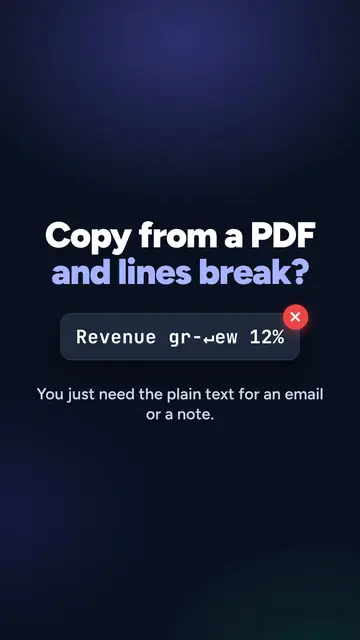
Pull the text out of a PDF into a plain .txt file. Free, no account, files deleted after 60 minutes.
Document Converters File on the server
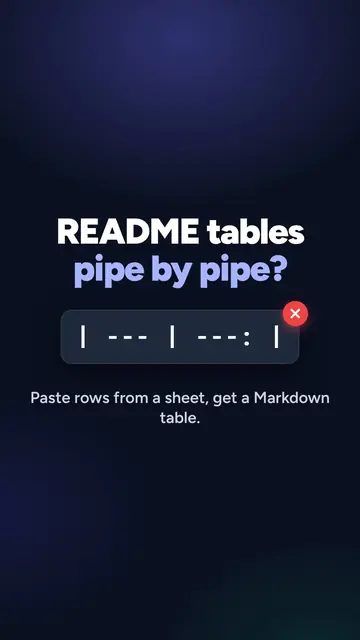
Turn pasted rows — CSV, tab, semicolon or pipe separated — into a clean GitHub-flavored Markdown table. The delimiter is detected automatically. Everything happens in your browser.
Text & Lists In your browser
Set or remove the title, author, subject and keywords stored in a PDF file.
PDF Tools File on the server
Encode text to Base64 or decode Base64 to text instantly in your browser.
Code & Data In your browser
We value your privacy
We would like to use optional analytics cookies to understand how the site is used and improve it. Nothing is loaded until you choose, and you can change your decision at any time. Privacy policy