
CSV to JSON
Convert CSV to a JSON array in your browser. Choose the delimiter, use the first row as keys, pretty-print or minify, with RFC 4180 quoting. Nothing is uploaded.
Code & Data In your browser
Code & Data
Paste a JSON array of objects (or a single object) and get clean CSV. Columns are the union of all keys, values with commas, quotes or newlines are quoted correctly. Your data never leaves this browser.
Private by design: no text is uploaded or stored.
Private by design: no text is uploaded or stored.
Columns to export
Uncheck a column to leave it out of the CSV.
Try an example
Updates when you convert or change an option.
A JSON array becomes one CSV row per element; a single object becomes one row. Column headers are the union of every object's keys, in the order they first appear, so rows with different shapes still line up (missing values are left blank). Any value containing the delimiter, a double quote or a line break is wrapped in quotes with embedded quotes doubled, following RFC 4180. Nested objects and arrays are written as JSON inside their cell.
 0:21
Video · 0:21
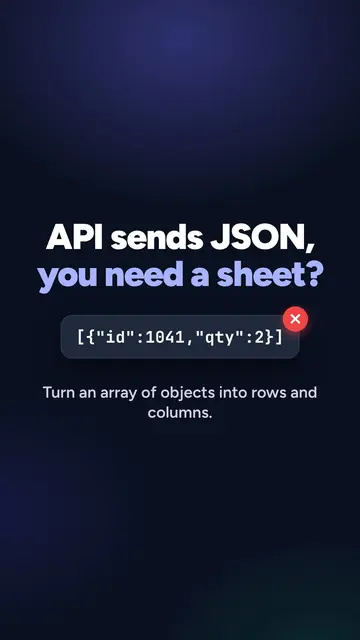
Turn an array of objects into rows and columns.
Convert CSV to a JSON array in your browser. Choose the delimiter, use the first row as keys, pretty-print or minify, with RFC 4180 quoting. Nothing is uploaded.
Code & Data In your browser
Convert a UTF-8 CSV file to Excel XLSX with delimiter, sheet name and frozen-header controls.
Document Converters File on the server
Export a selected XLSX worksheet to correctly quoted CSV with your chosen delimiter.
Document Converters File on the server
Format YAML, convert YAML to JSON and JSON to YAML in your browser. Nothing is uploaded.
Code & Data In your browser
View and parse CSV files in a table format. Free online tool, works entirely in your browser.
Document Converters In your browser
Turn pasted rows — CSV, tab, semicolon or pipe separated — into a clean GitHub-flavored Markdown table. The delimiter is detected automatically. Everything happens in your browser.
Text & Lists In your browser
We value your privacy
We would like to use optional analytics cookies to understand how the site is used and improve it. Nothing is loaded until you choose, and you can change your decision at any time. Privacy policy